로그인

Guides
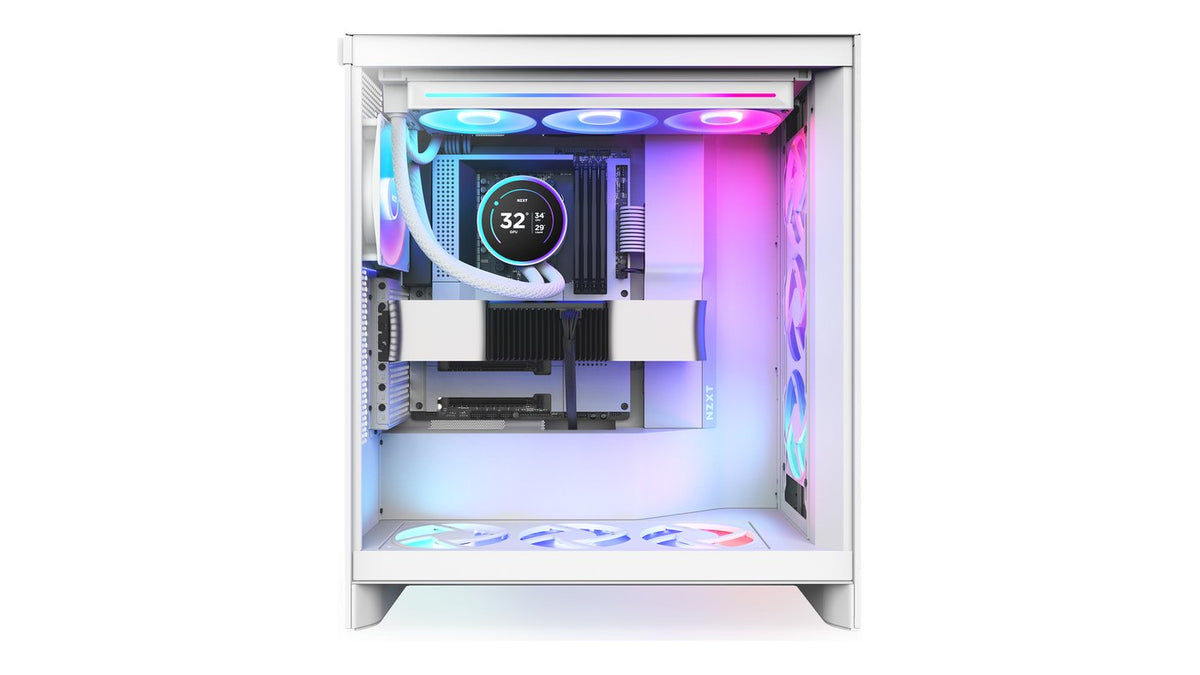
How to Install an AIO Liquid Cooler, Step by Step
An AIO install comes down to the same six steps every time. Here's each one, from the backplate to the BIOS setting that keeps your pump healthy.
더 알아보기

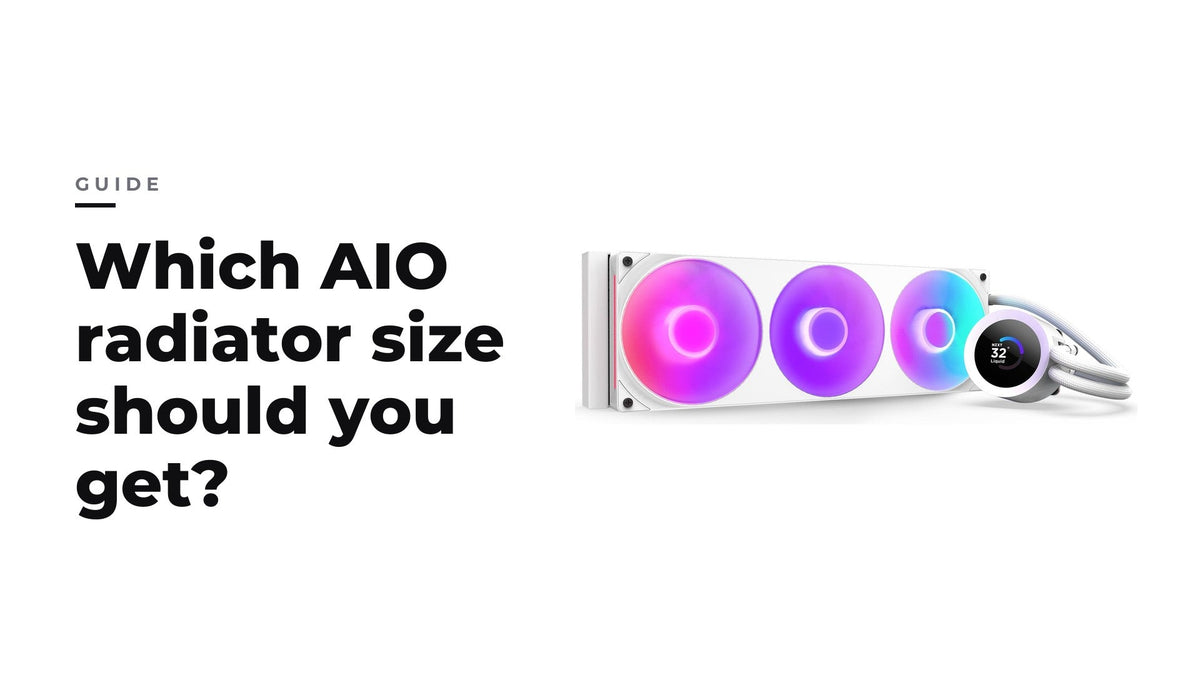
240 vs 280 vs 360 vs 420 mm AIO: 어떤 라디에이터 크기를 골라야 할까요?
대부분의 게이밍 빌드에는 280 mm 또는 360 mm AIO가 가장 잘 맞으며, 컴팩트한 빌드에는 240 mm, 케이스 공간이 넉넉하다면 420 mm가 좋습니다.
더 알아보기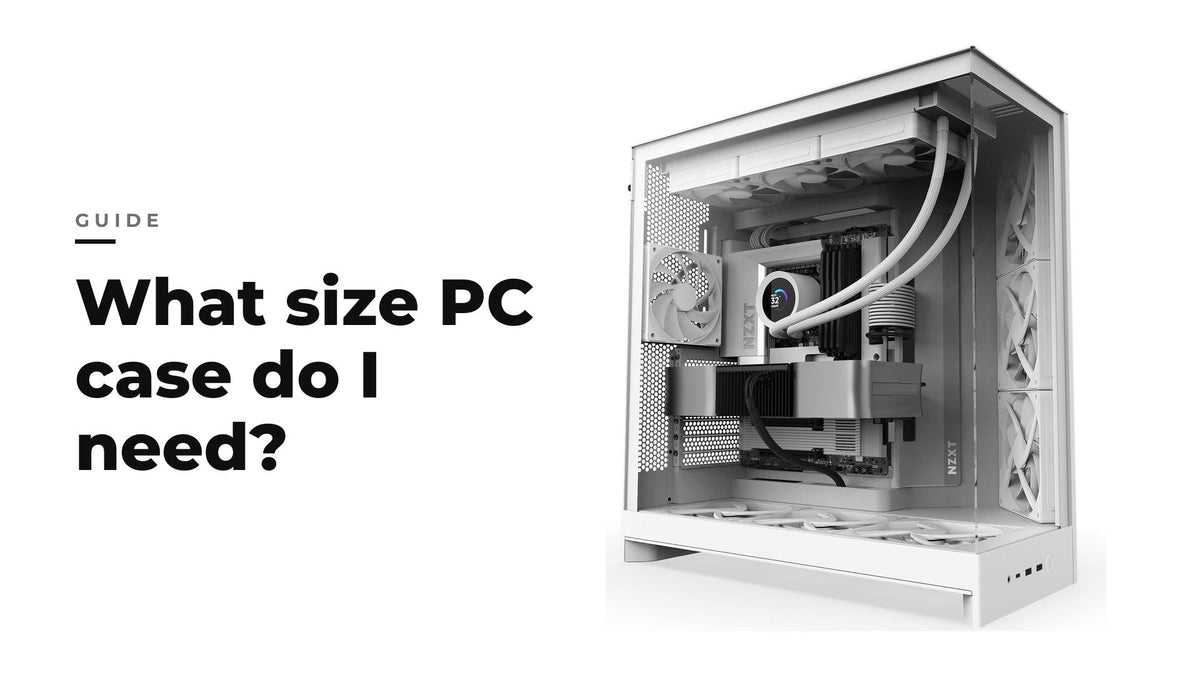

듀얼 챔버 케이스는 파워 서플라이와 케이블을 후면 공간으로 옮겨, 책상 위 폭을 조금 더 쓰는 대신 케이블 정리가 쉬워지고 메인 챔버가 깔끔해집니다.
더 알아보기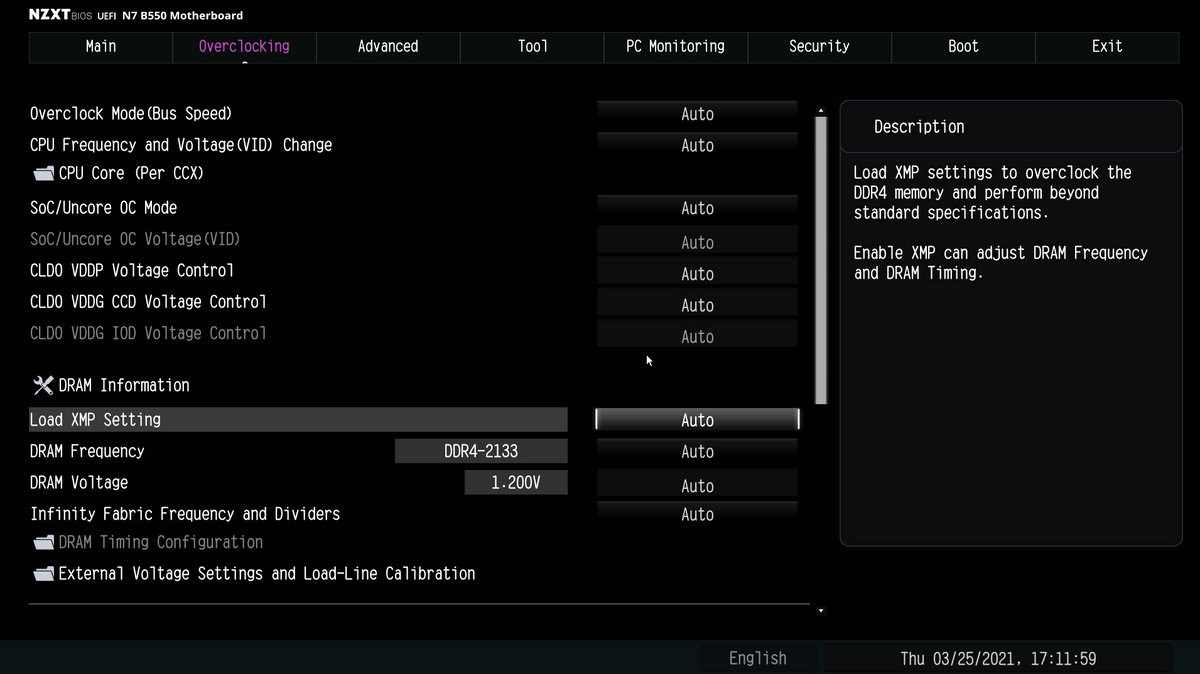
How to Enable XMP or EXPO (and Whether You Should)
Most memory does not run at its advertised speed out of the box. Turning on the profile takes about a minute. Here is what you gain and what it costs.
더 알아보기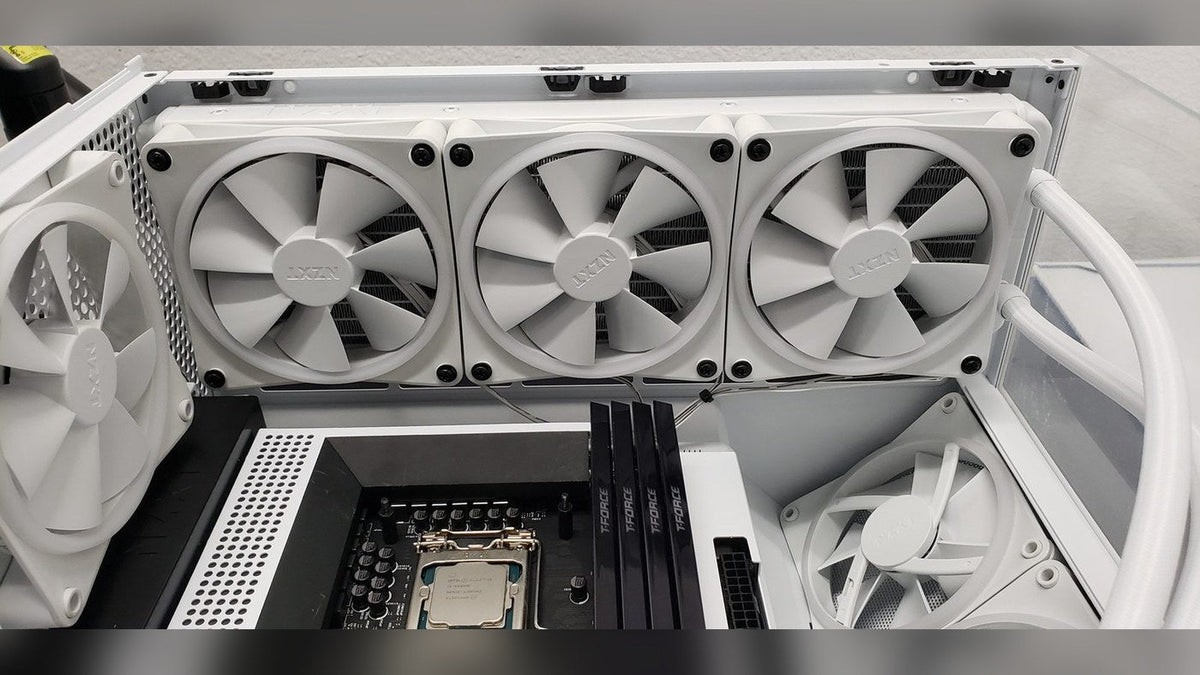
Where Should You Mount an AIO Radiator? Top, Front, or Bottom
Radiator placement affects how long your cooler lasts, not just how cool it runs. Here is the rule that matters and why bottom mounting causes problems.
더 알아보기
Why Is My Graphics Card Whining? Coil Whine Explained
One of the few PC noises that genuinely is not a problem, and one of the most alarming to hear on a brand new machine.
더 알아보기
Motherboard Debug LEDs and POST Codes Explained
The most underused diagnostic tool on a motherboard. It turns a guessing game into a specific answer in about five seconds.
더 알아보기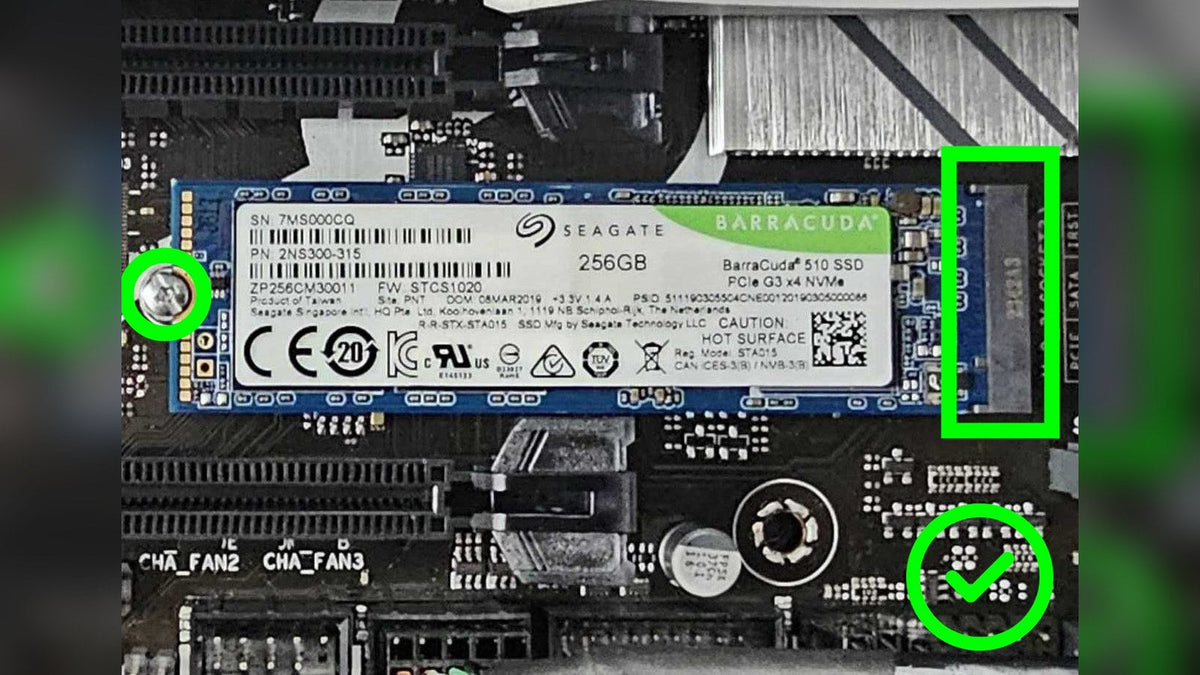
How to Add Storage to Your PC: M.2, SATA and External
The easiest upgrade there is, and the one most likely to be needed at short notice when a game update balloons past your free space.
더 알아보기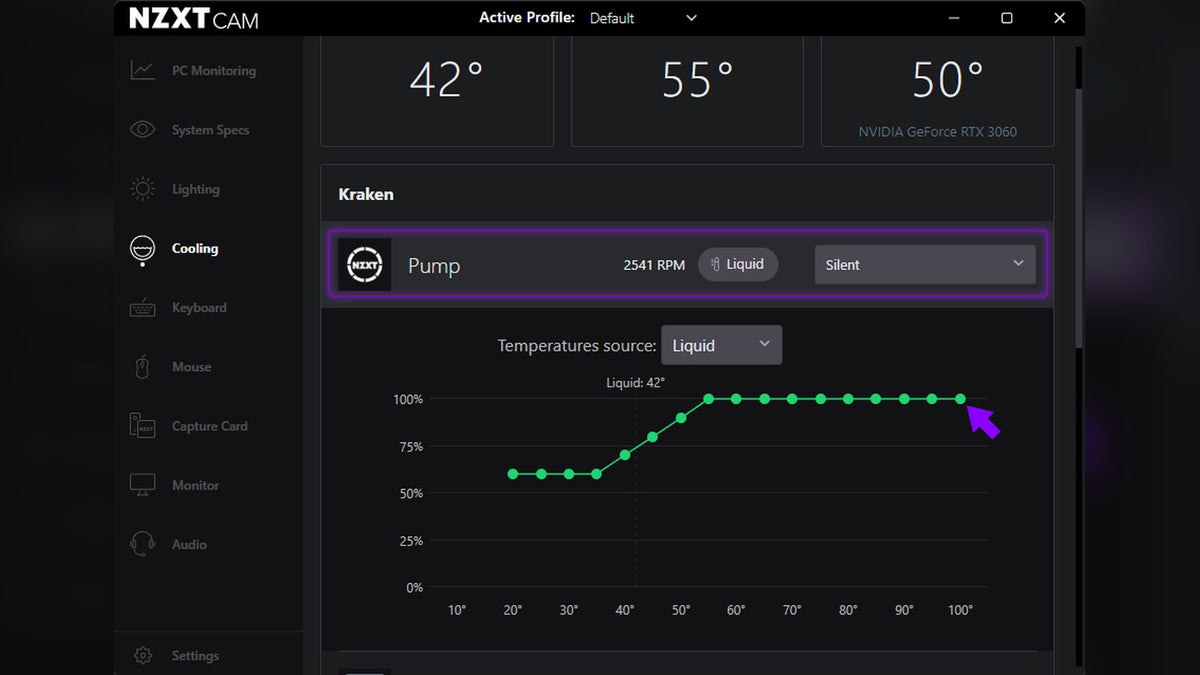
Is My AIO Cooler Failing? How to Diagnose It
An AIO has only three places it can fail, and you can check all of them in about ten minutes without removing anything.
더 알아보기Recently viewed products