Inloggen

Nieuws & blog
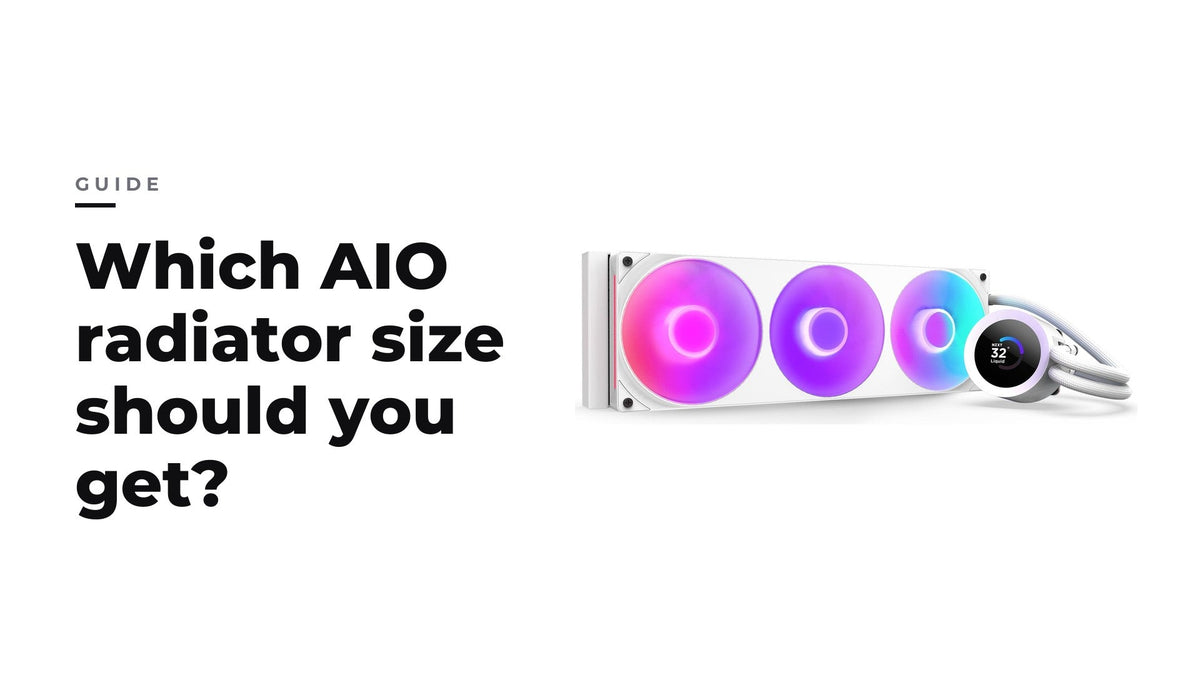
AIO van 240, 280, 360 of 420 mm: welke radiatormaat kies je?
Voor de meeste gamingbuilds is een AIO van 280 of 360 mm de beste keuze, met 240 mm voor compacte builds en 420 mm als de behuizing er ruimte voor heeft.
Meer informatie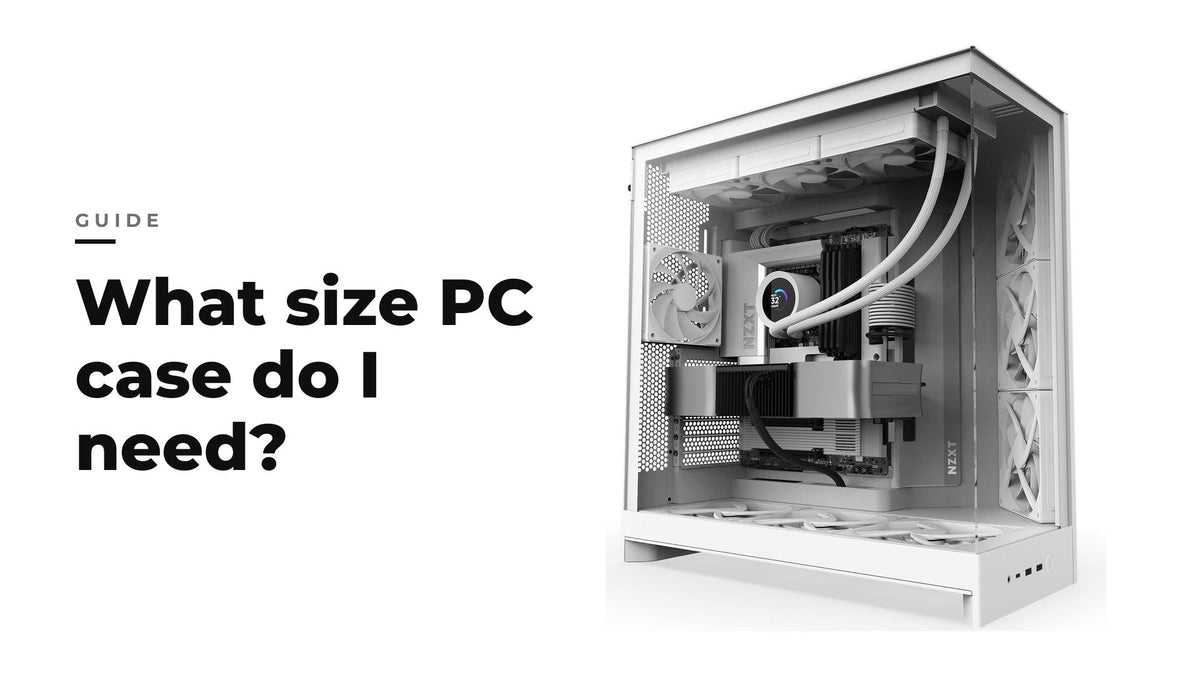
Hoe groot moet mijn pc-behuizing zijn?
De vormfactor van je moederbord bepaalt de minimale grootte van de behuizing; de GPU-lengte, de hoogte van de koeler en de radiatorondersteuning bepalen de rest.
Meer informatie
Wat is een dual-chamber pc-behuizing?
Een dual-chamber behuizing verplaatst de voeding en kabels naar een achterste compartiment: je levert wat bureaubreedte in voor makkelijker kabelbeheer en een opgeruimdere hoofdkamer.
Meer informatie
NZXT x Intel Club October 2026 Giveaway
This month’s giveaway rewards Club members who jump in, complete quests, and stack Pucci Points for bonus entries toward an Intel-powered NZXT Gaming PC, plus exclusive NZXT and Intel merch.
Meer informatie
NZXT introduceert de S5 RGB en S5 RGB Deluxe — de terugkeer van de S-serie
Echt staal en panoramisch dubbelglas, in twee configuraties met vooraf geïnstalleerde RGB-koeling.
Meer informatie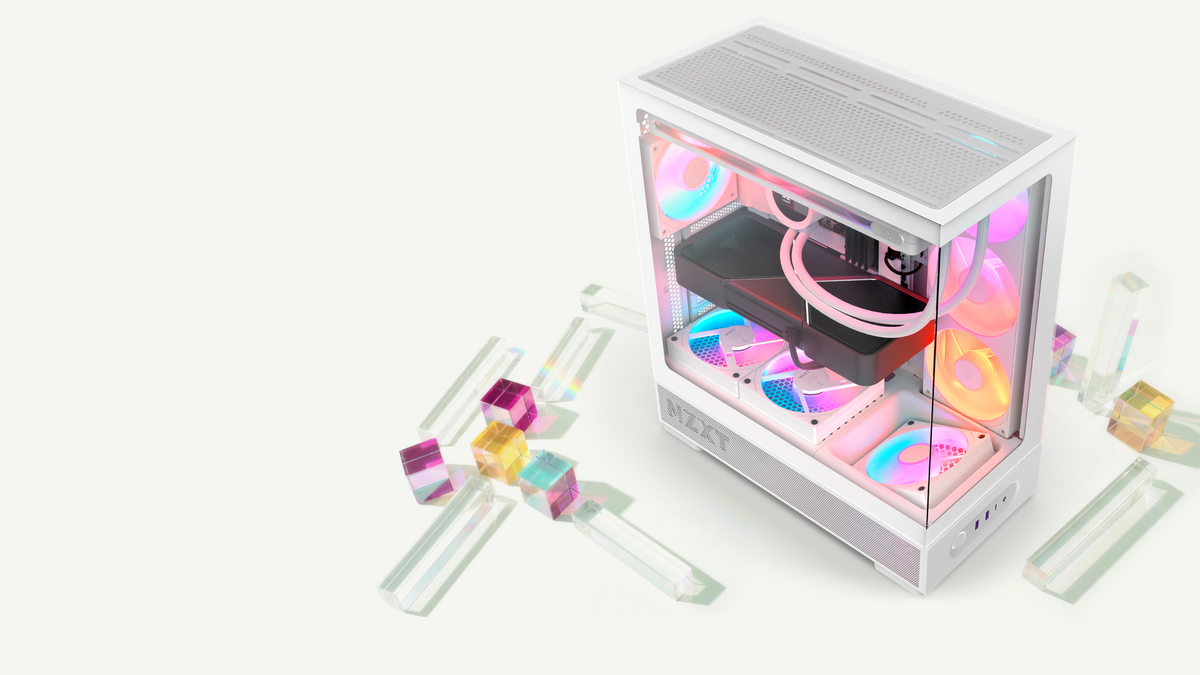
S5 RGB en S5 RGB Deluxe: echt staal, echt glas, verlicht uit de doos
De S-serie is terug, in twee versies van dezelfde stalen ATX-midtower. De S5 RGB komt met een 360 mm RGB reverse-fan die al naar het glas wijst. De S5 RGB Deluxe komt met de volledige ventilatorops...
Meer informatie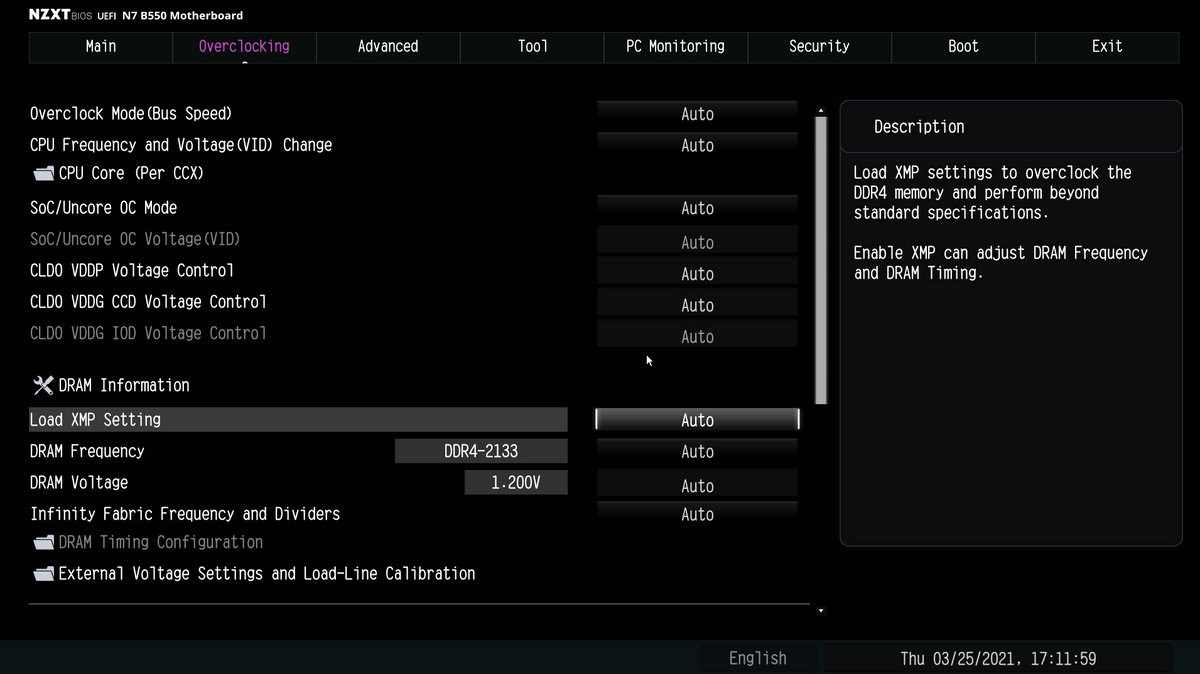
How to Enable XMP or EXPO (and Whether You Should)
Most memory does not run at its advertised speed out of the box. Turning on the profile takes about a minute. Here is what you gain and what it costs.
Meer informatie
NZXT x Intel Club September 2026 Giveaway
This month’s giveaway rewards Club members who jump in, complete quests, and stack Pucci Points for bonus entries toward an Intel-powered NZXT Gaming PC, plus exclusive NZXT and Intel merch.
Meer informatie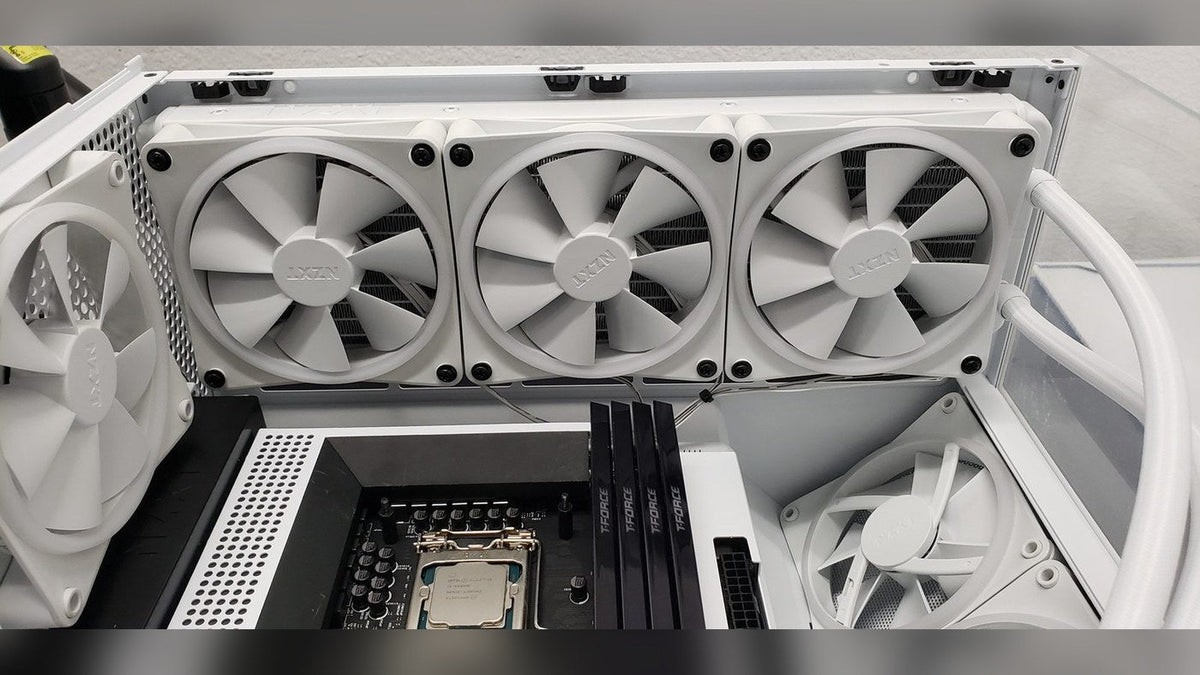
Where Should You Mount an AIO Radiator? Top, Front, or Bottom
Radiator placement affects how long your cooler lasts, not just how cool it runs. Here is the rule that matters and why bottom mounting causes problems.
Meer informatie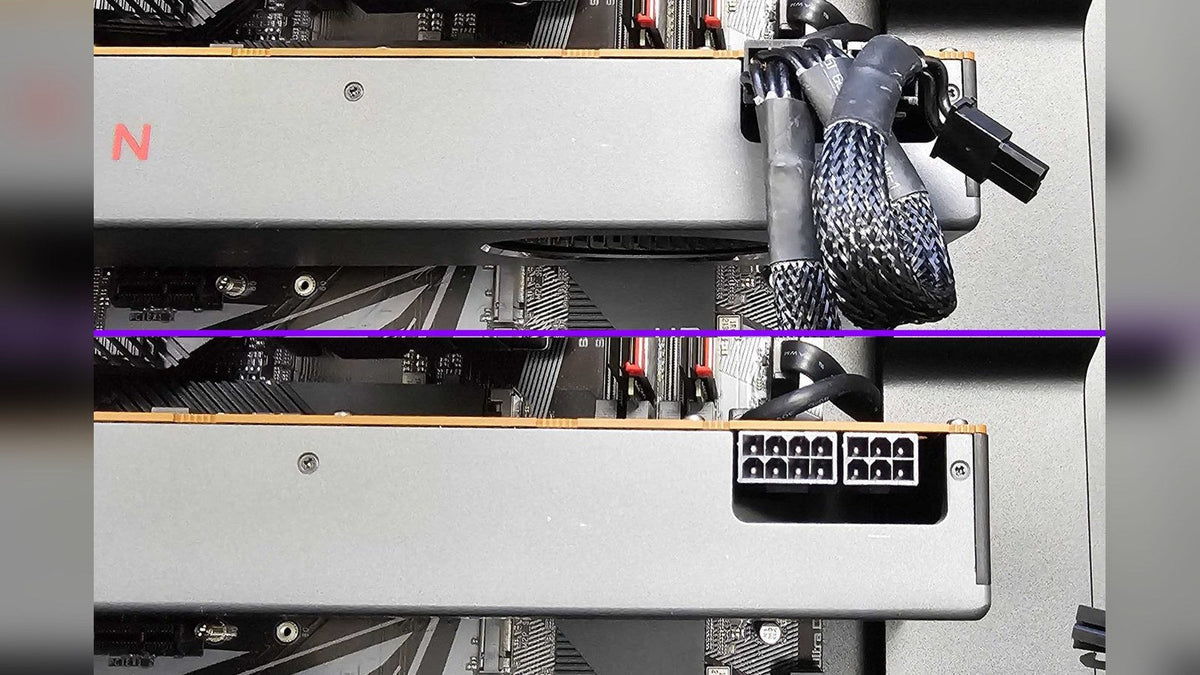
Why Is My Graphics Card Whining? Coil Whine Explained
One of the few PC noises that genuinely is not a problem, and one of the most alarming to hear on a brand new machine.
Meer informatie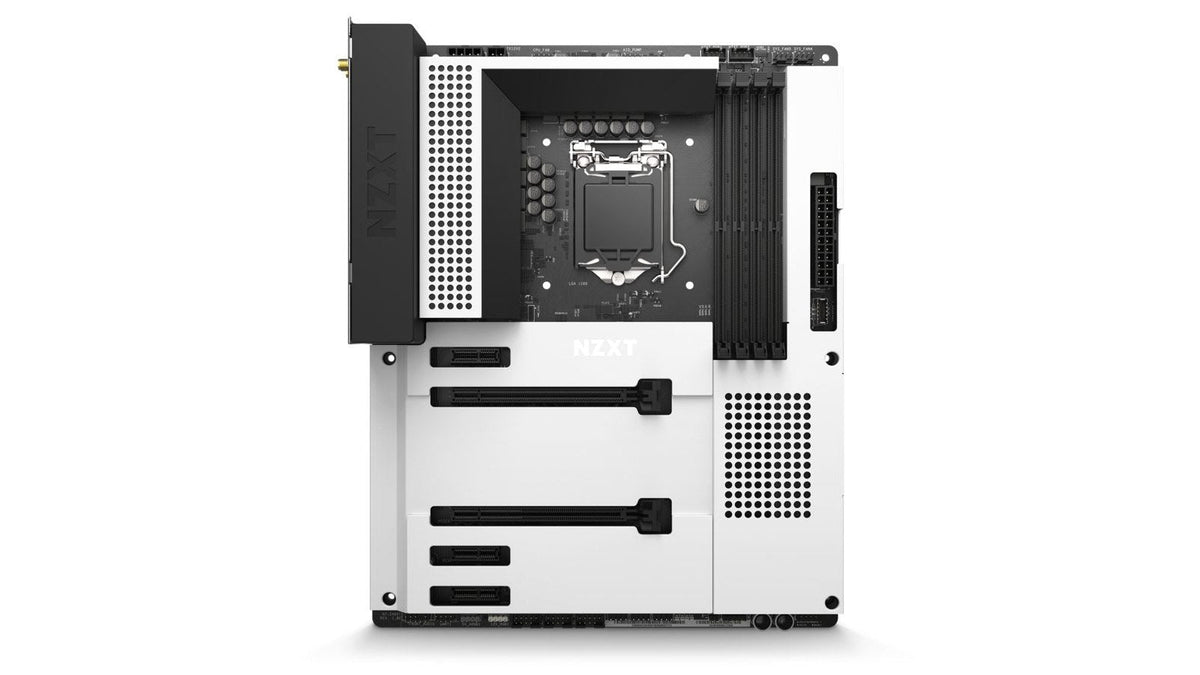
Motherboard Debug LEDs and POST Codes Explained
The most underused diagnostic tool on a motherboard. It turns a guessing game into a specific answer in about five seconds.
Meer informatie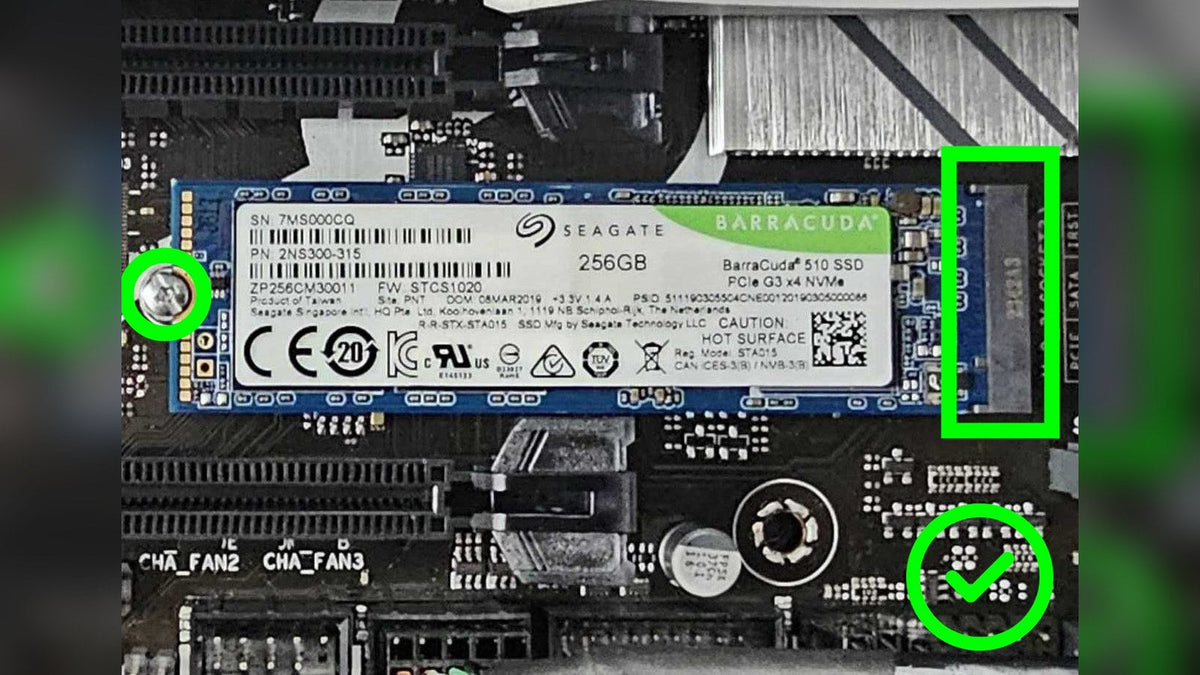
How to Add Storage to Your PC: M.2, SATA and External
The easiest upgrade there is, and the one most likely to be needed at short notice when a game update balloons past your free space.
Meer informatieRecently viewed products