Zaloguj się

Aktualności i blog
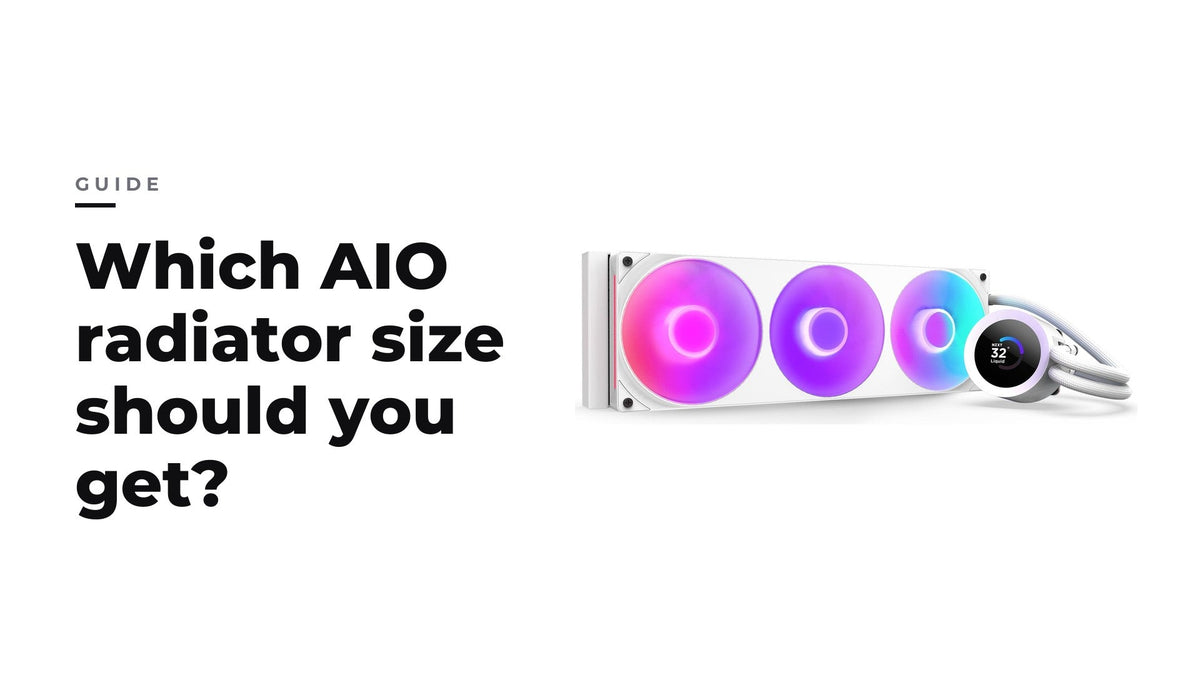
AIO 240 vs 280 vs 360 vs 420 mm: jaki rozmiar chłodnicy wybrać?
Większości zestawów do gier najlepiej posłuży AIO 280 lub 360 mm; 240 mm sprawdzi się w kompaktowych zestawach, a 420 mm wtedy, gdy obudowa ma na nie miejsce.
Czytaj dalej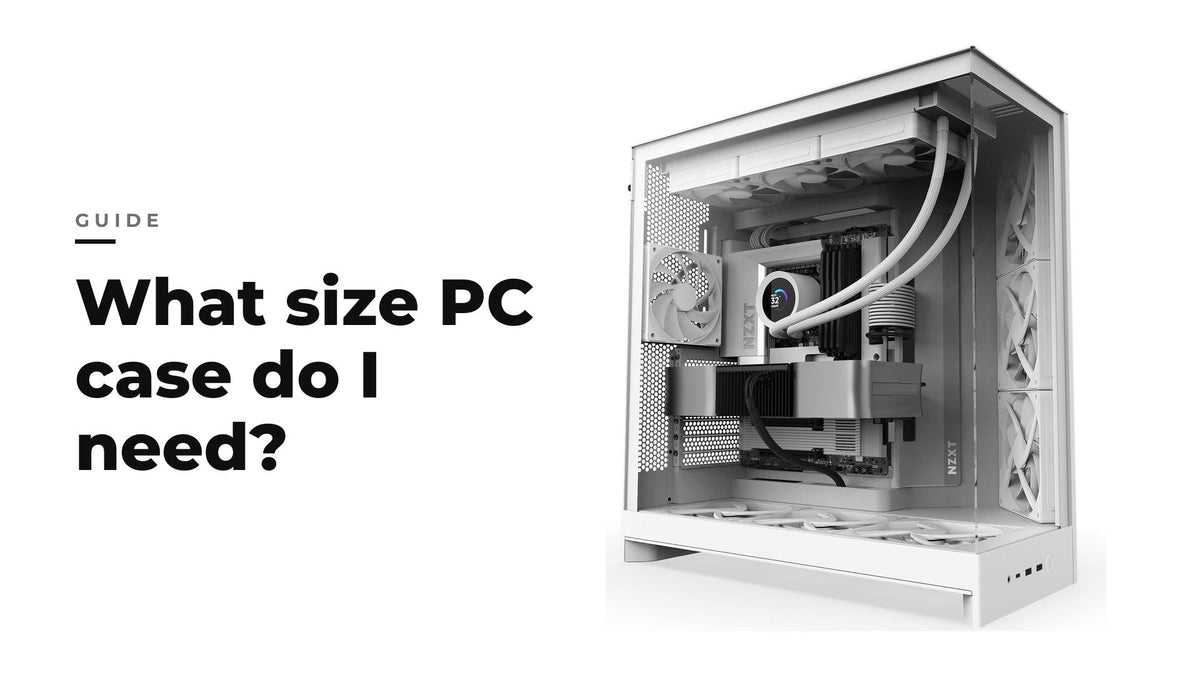
Jakiego rozmiaru obudowy PC potrzebuję?
Format płyty głównej wyznacza minimalny rozmiar obudowy, a o reszcie decydują długość GPU, wysokość coolera i obsługa chłodnic.
Czytaj dalej
Czym jest dwukomorowa obudowa PC?
Dwukomorowa obudowa przenosi zasilacz i kable do tylnej komory: kosztem szerokości na biurku zyskujesz łatwiejsze zarządzanie kablami i czystszą komorę główną.
Czytaj dalej
NZXT x Intel Club October 2026 Giveaway
This month’s giveaway rewards Club members who jump in, complete quests, and stack Pucci Points for bonus entries toward an Intel-powered NZXT Gaming PC, plus exclusive NZXT and Intel merch.
Czytaj dalej
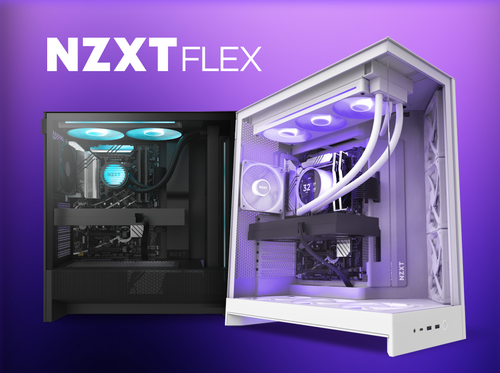
NZXT przedstawia S5 RGB i S5 RGB Deluxe — powrót serii S
Prawdziwa stal i panoramiczne podwójne szkło, w dwóch konfiguracjach z fabrycznie zainstalowanym chłodzeniem RGB.
Czytaj dalej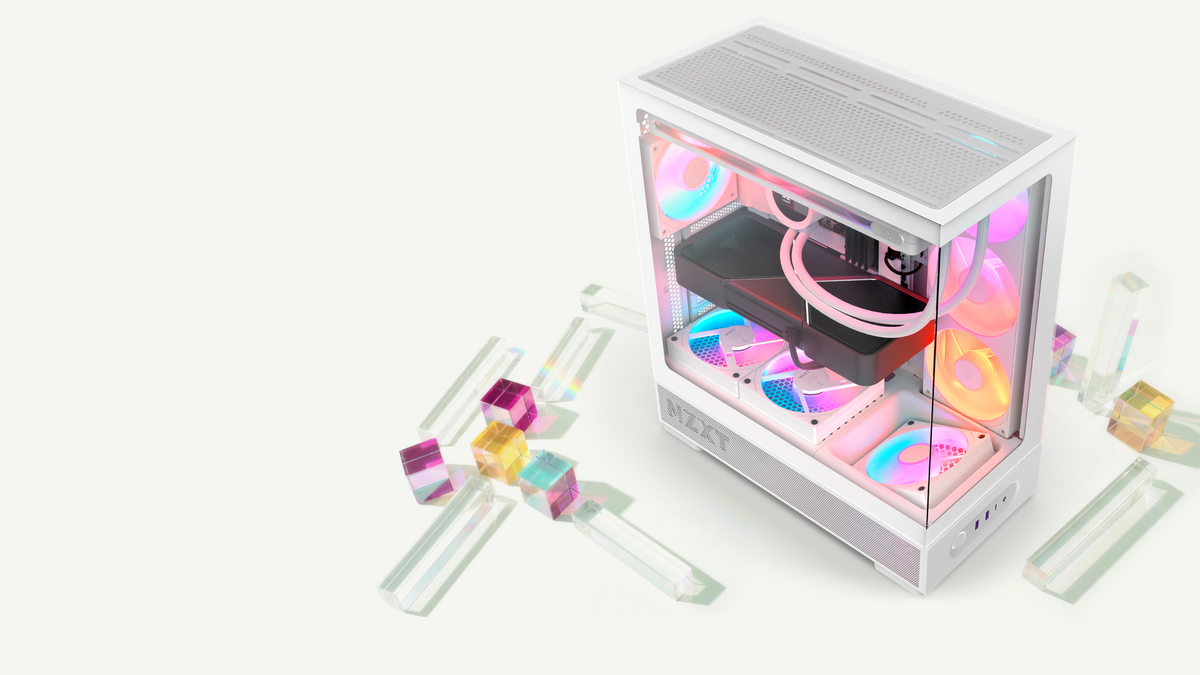
S5 RGB i S5 RGB Deluxe: prawdziwa stal, prawdziwe szkło, podświetlone prosto z pudełka
Seria S wraca, w dwóch wersjach tej samej stalowej obudowy ATX midi tower. S5 RGB przychodzi z wentylatorem RGB reverse 360 mm już skierowanym na szkło. S5 RGB Deluxe przychodzi z całym układem wen...
Czytaj dalej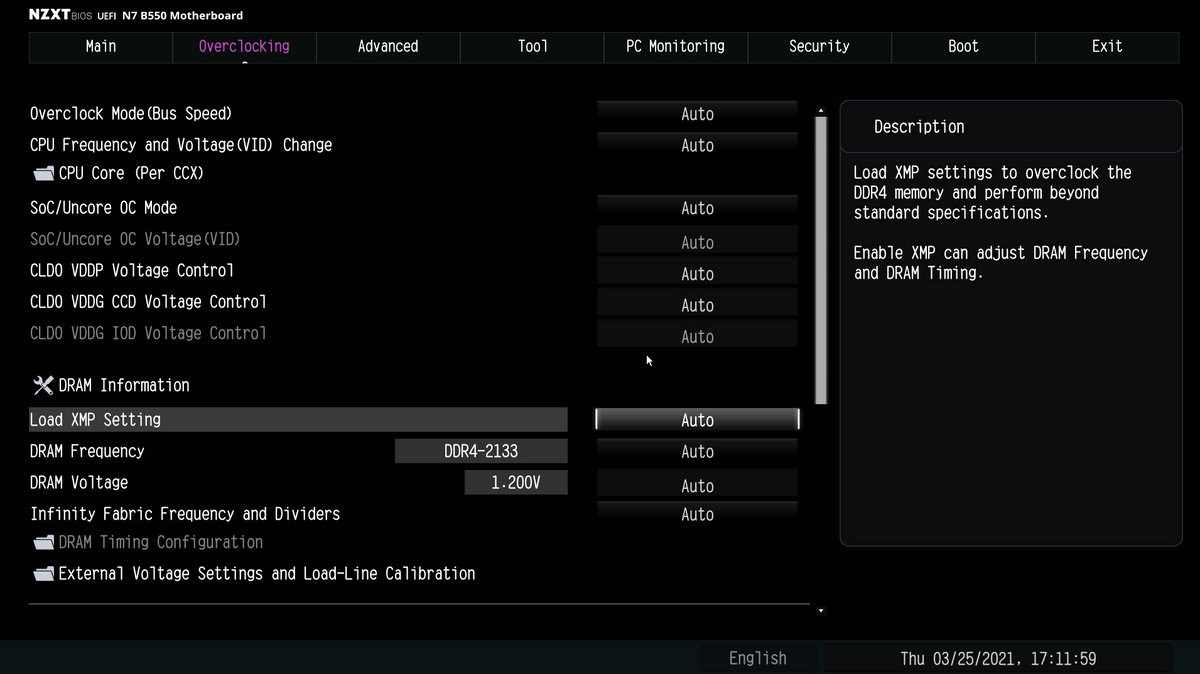
How to Enable XMP or EXPO (and Whether You Should)
Most memory does not run at its advertised speed out of the box. Turning on the profile takes about a minute. Here is what you gain and what it costs.
Czytaj dalej
NZXT x Intel Club September 2026 Giveaway
This month’s giveaway rewards Club members who jump in, complete quests, and stack Pucci Points for bonus entries toward an Intel-powered NZXT Gaming PC, plus exclusive NZXT and Intel merch.
Czytaj dalej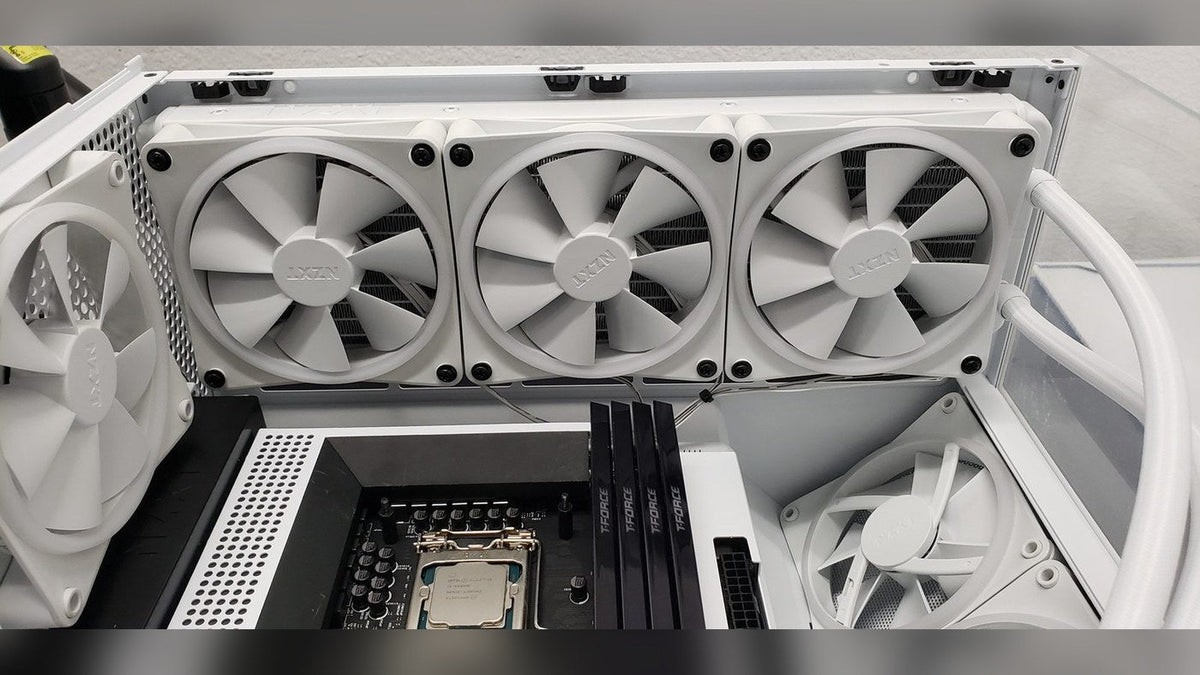
Where Should You Mount an AIO Radiator? Top, Front, or Bottom
Radiator placement affects how long your cooler lasts, not just how cool it runs. Here is the rule that matters and why bottom mounting causes problems.
Czytaj dalej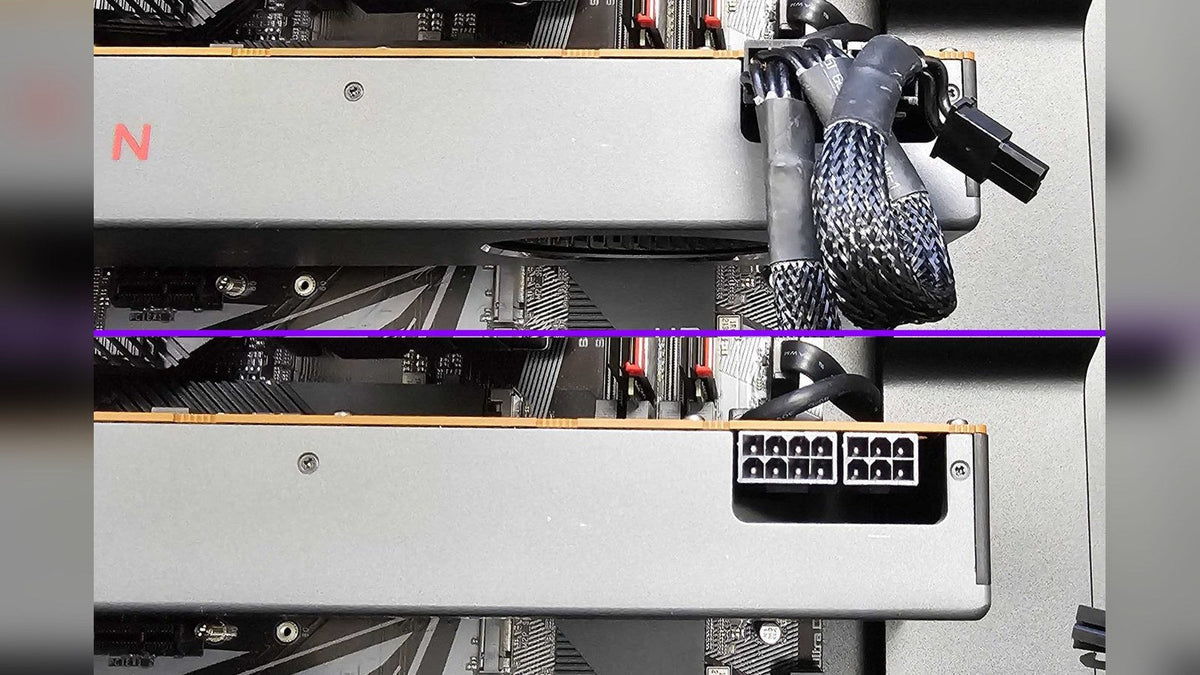
Why Is My Graphics Card Whining? Coil Whine Explained
One of the few PC noises that genuinely is not a problem, and one of the most alarming to hear on a brand new machine.
Czytaj dalej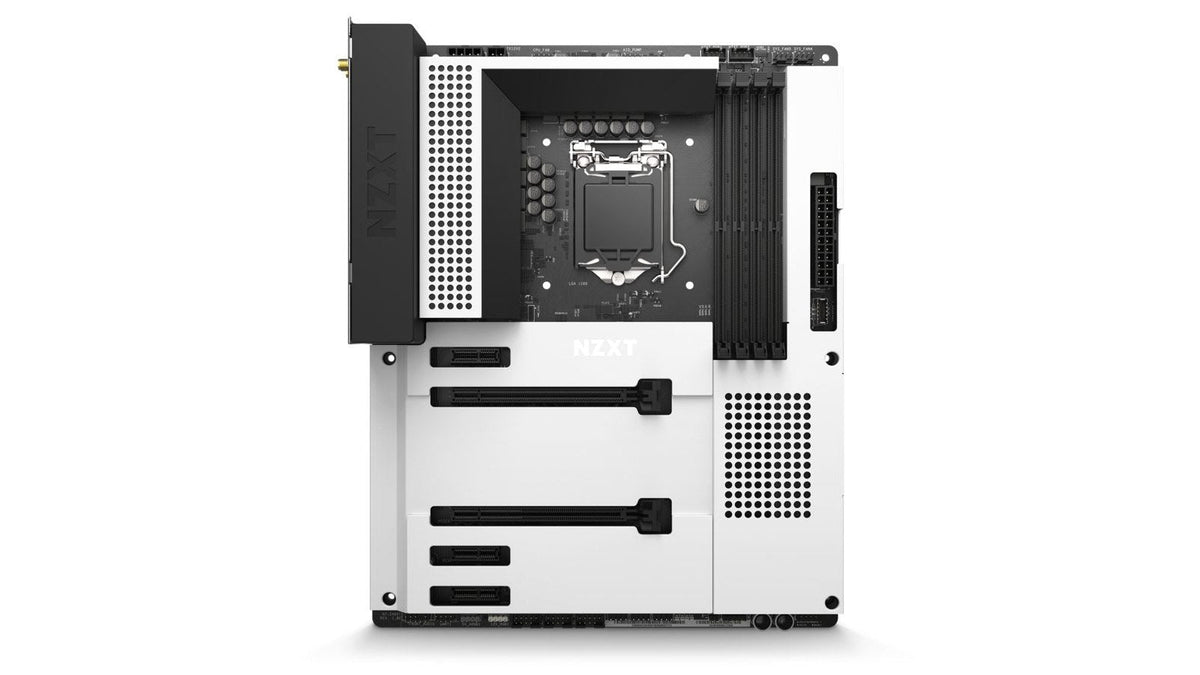
Motherboard Debug LEDs and POST Codes Explained
The most underused diagnostic tool on a motherboard. It turns a guessing game into a specific answer in about five seconds.
Czytaj dalej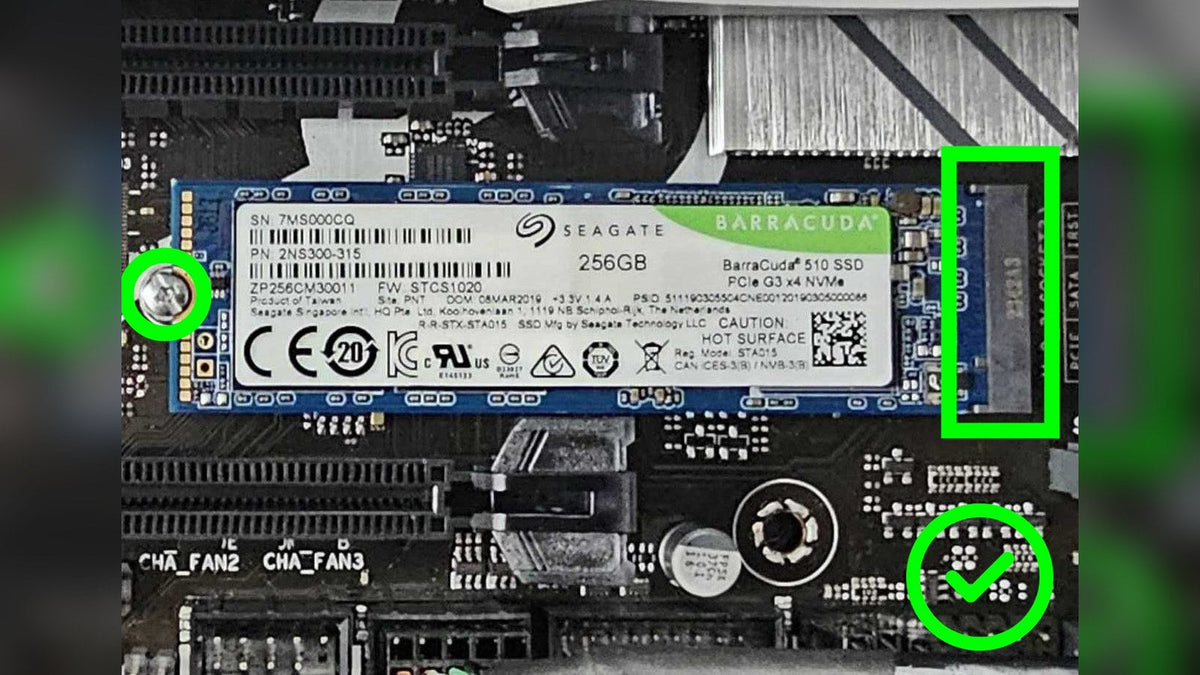
How to Add Storage to Your PC: M.2, SATA and External
The easiest upgrade there is, and the one most likely to be needed at short notice when a game update balloons past your free space.
Czytaj dalejRecently viewed products