Ir al contenido

Cesta

La cesta está vacía

Kraken Elite 420 RGB

Refrigeración líquida AIO de 420 mm con IPS LCD de 2,72" y RGB

3.4
Rated 3.4 out of 5 stars
3.4 Stars (5 Reviews)
Size
280 mm 360 mm 420 mm
Color
Blanco Negro
Family
Elite2.72″ LCD Plus1.54″ LCD CoreRGB logo
Where to Buy

Your Prepay and Save Options

Choose the plan that works best for you.

Month-to-Month

Cancel and return anytime with no fees. This option provides maximum flexibility with no long-term obligations.

Prepaid Terms

Prepay for a multi-month term (3, 6, 12 months) and lock in a lower effective monthly rate.


When your term ends, you have simple options:

1

Month-to-Month: By default, your subscription automatically converts to the month to month rate requiring no action from you.

2

Prepay Again: Alternatively, you can choose to prepay for another 3, 6, or 12 month term.

3

End Subscription: Cancel and return with no fees.

Descripción general

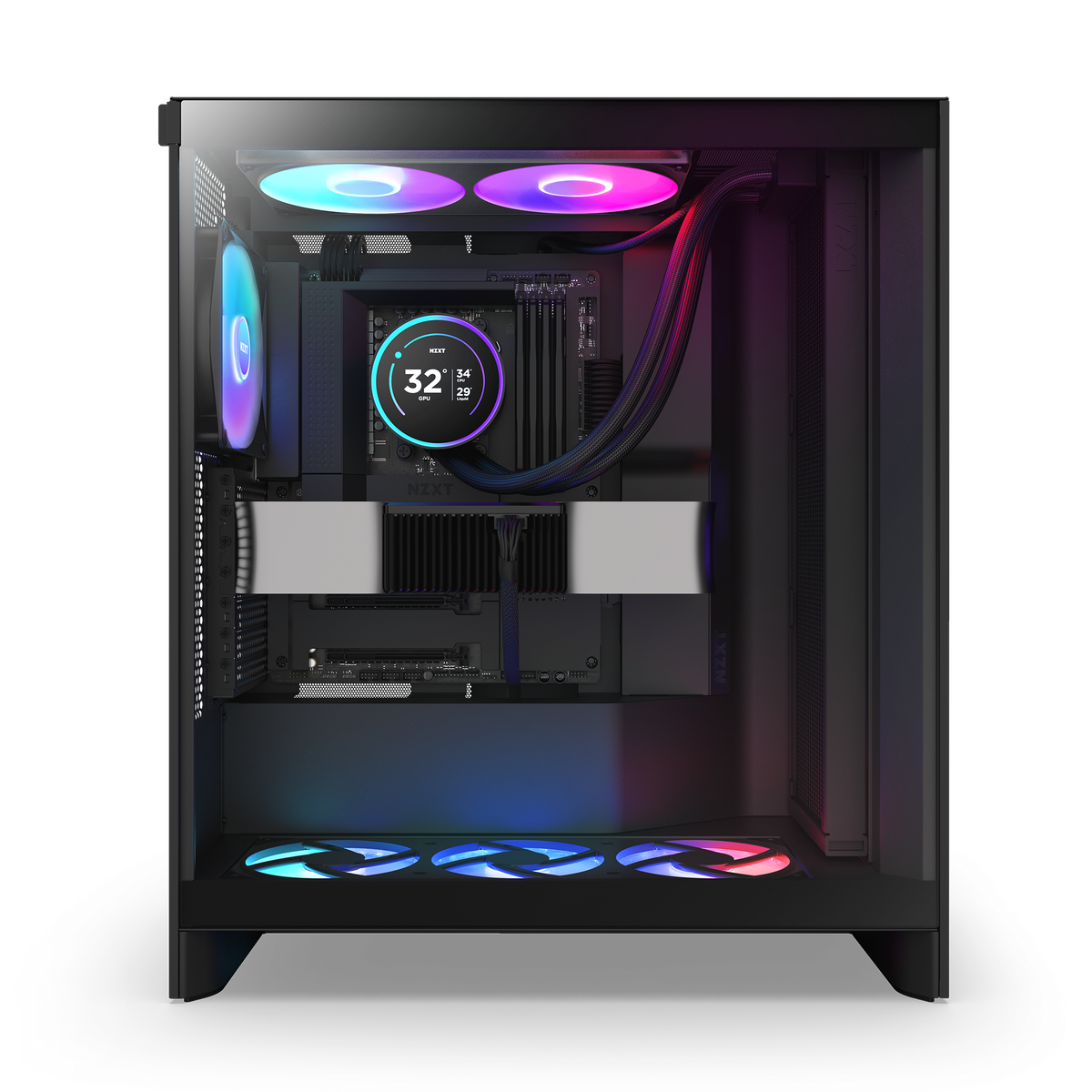
De vuelta y mejor que nunca, la Kraken Elite está impulsada por la bomba NZXT Turbine de diseño personalizado, que ofrece un notable aumento del 10%* en el rendimiento de refrigeración del CPU. La impresionante pantalla IPS de 2.72 pulgadas con un anillo RGB dinámico brinda opciones de personalización ilimitadas, convirtiendo a la Kraken Elite en un punto focal llamativo para cualquier montaje.

*Basado en pruebas de resistencia térmica de la Kraken Elite 240 RGB RGB (2024) frente a la Kraken Elite 240 RGB RGB (2023) mediante el método Intel Open Bench.

  • La bomba NZXT Turbine de diseño personalizado ofrece un alto caudal y presión para una refrigeración del CPU potente y silenciosa.
  • Disfruta de imágenes vívidas en la pantalla LCD IPS de 2.72 pulgadas con nítida resolución 640x640, fluida tasa de refresco de 60 Hz y amplios ángulos de visión.
  • Muestra tu GIF o imagen favorita, monitorea el rendimiento del sistema en tiempo real e integra Spotify, YouTube y mucho más.
  • Personaliza el anillo RGB con efectos de iluminación dinámicos o sincronízalo con el contenido en pantalla y otros dispositivos RGB.
  • El ventilador de marco único RGB Core proporciona un flujo de aire óptimo e iluminación vibrante con una conectividad simplificada.
  • Instálala fácilmente con pasta térmica preaplicada, un único cable derivador y soportes de montaje sin herramientas para los sockets de CPU Intel® y AMD® más recientes.
  • Los tubos de goma extendidos con recubrimiento trenzado garantizan un manejo sin preocupaciones y una protección duradera contra fugas.
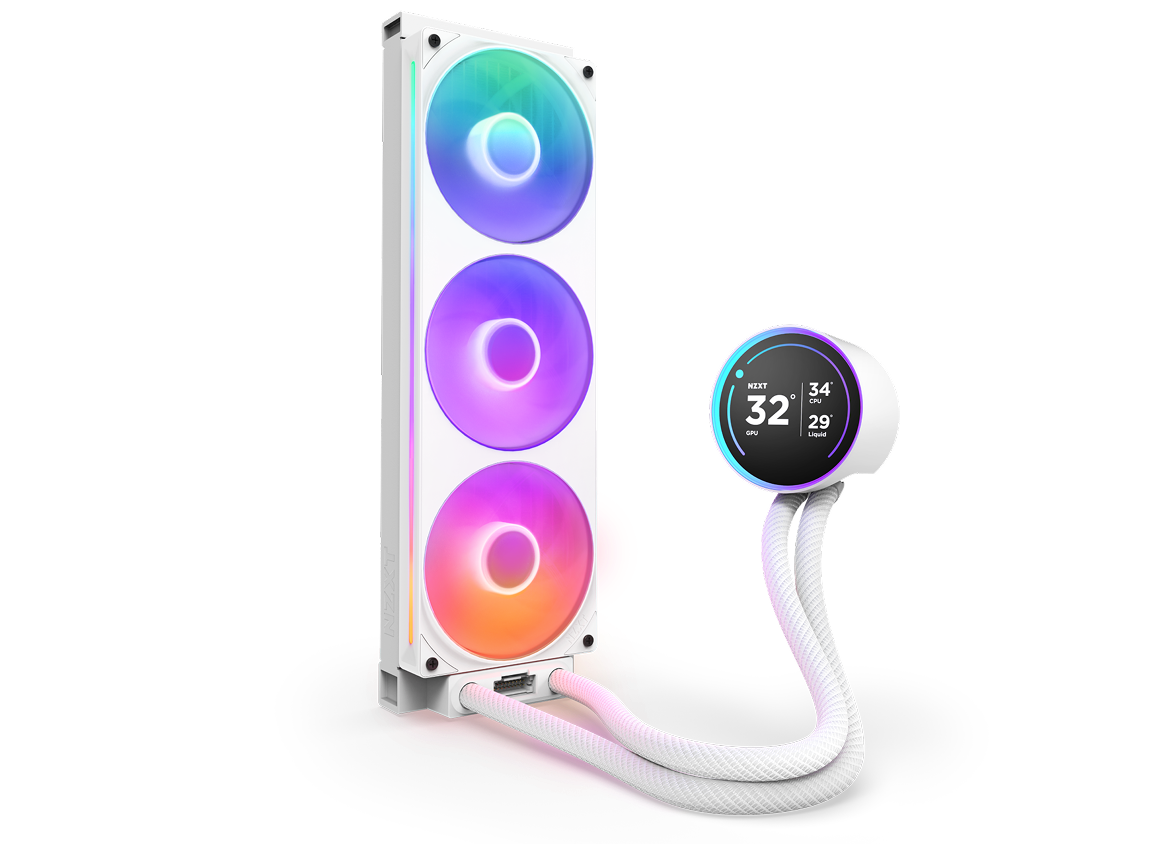
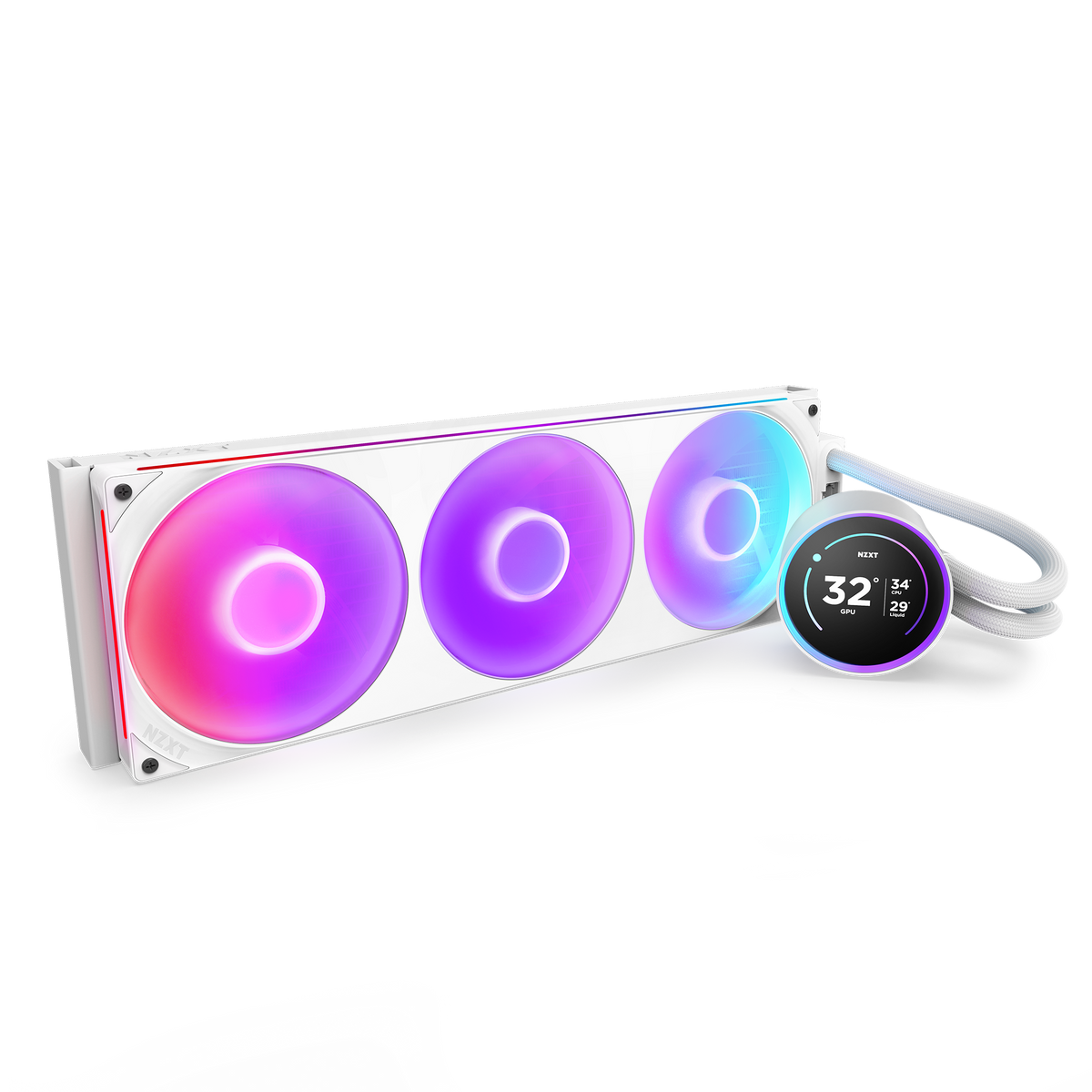
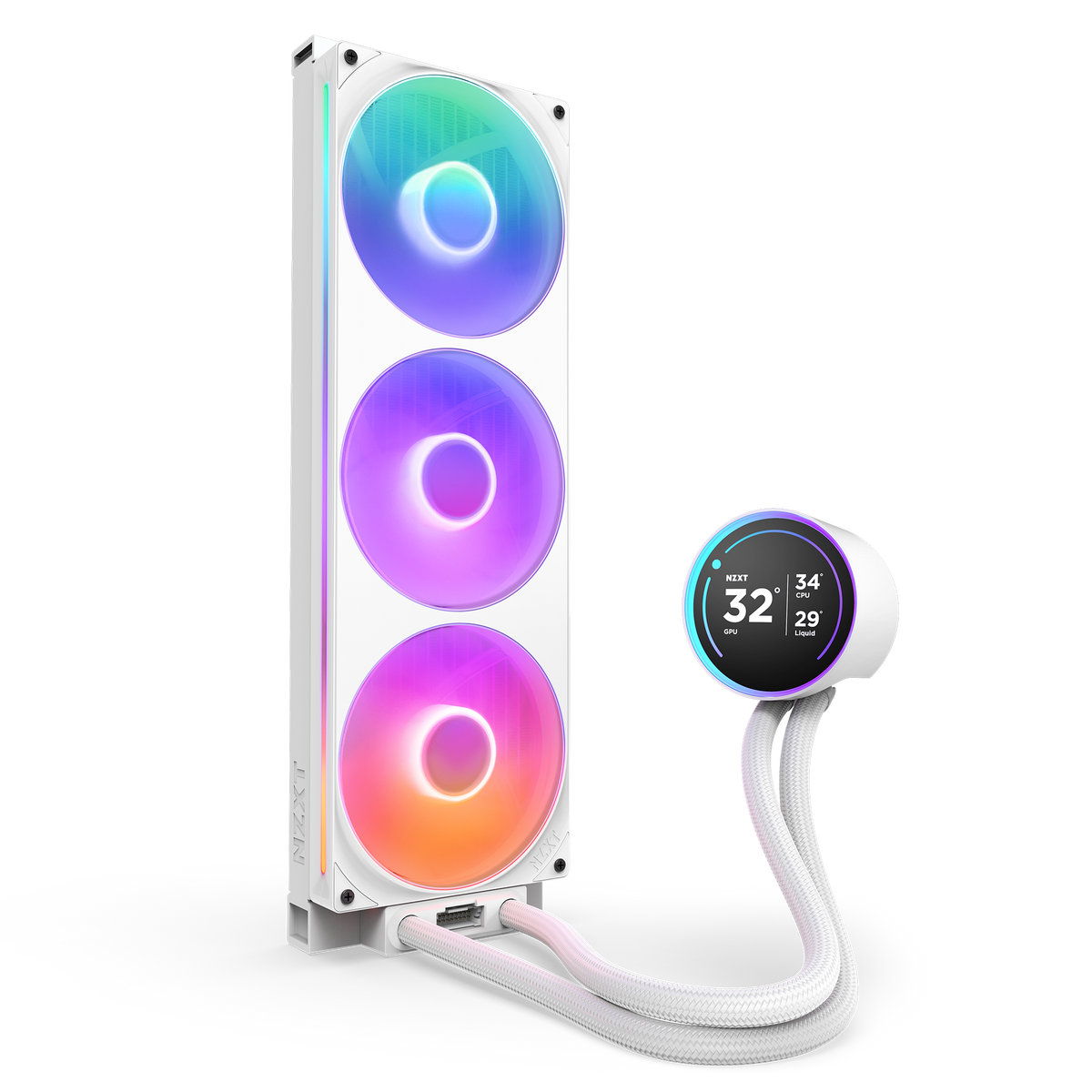
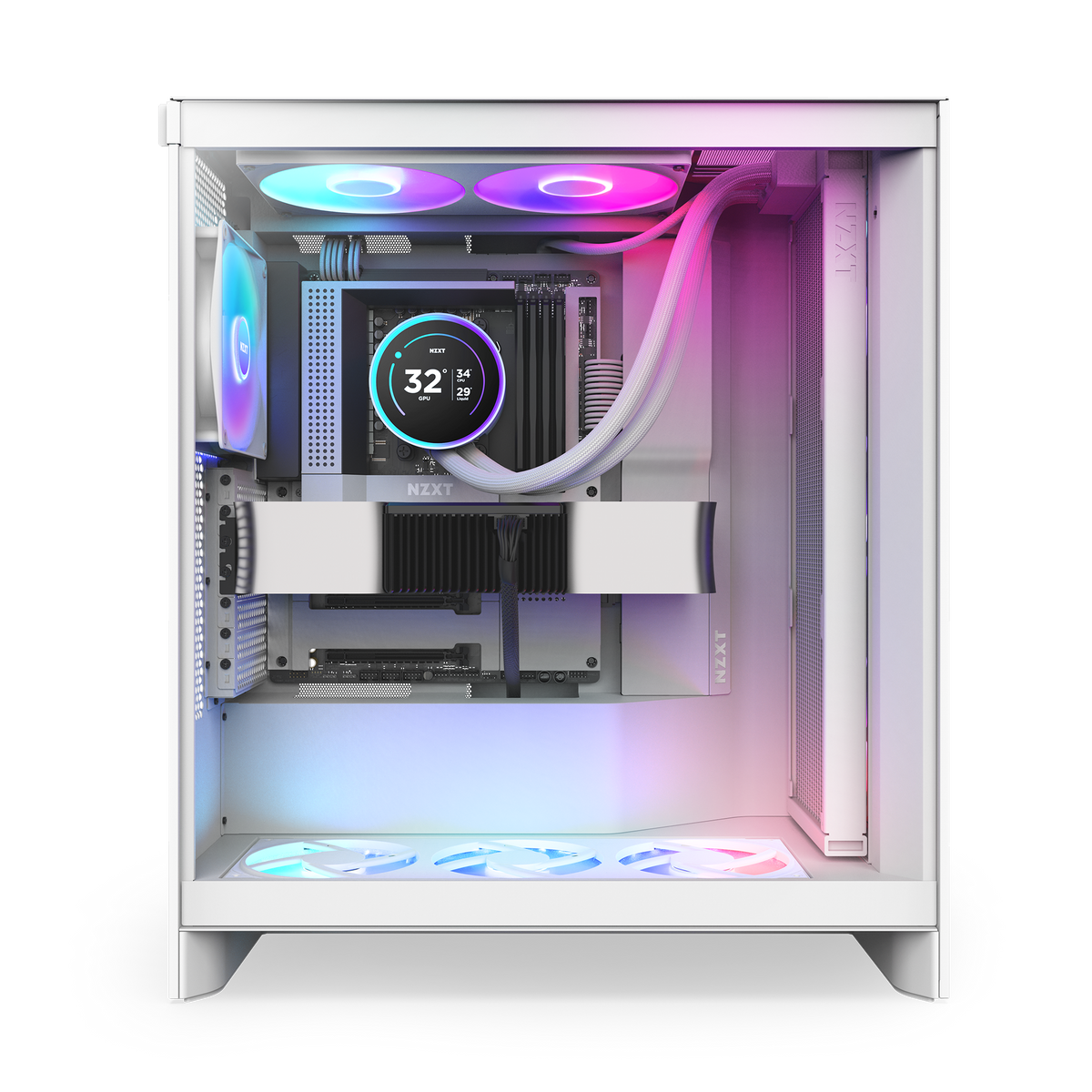
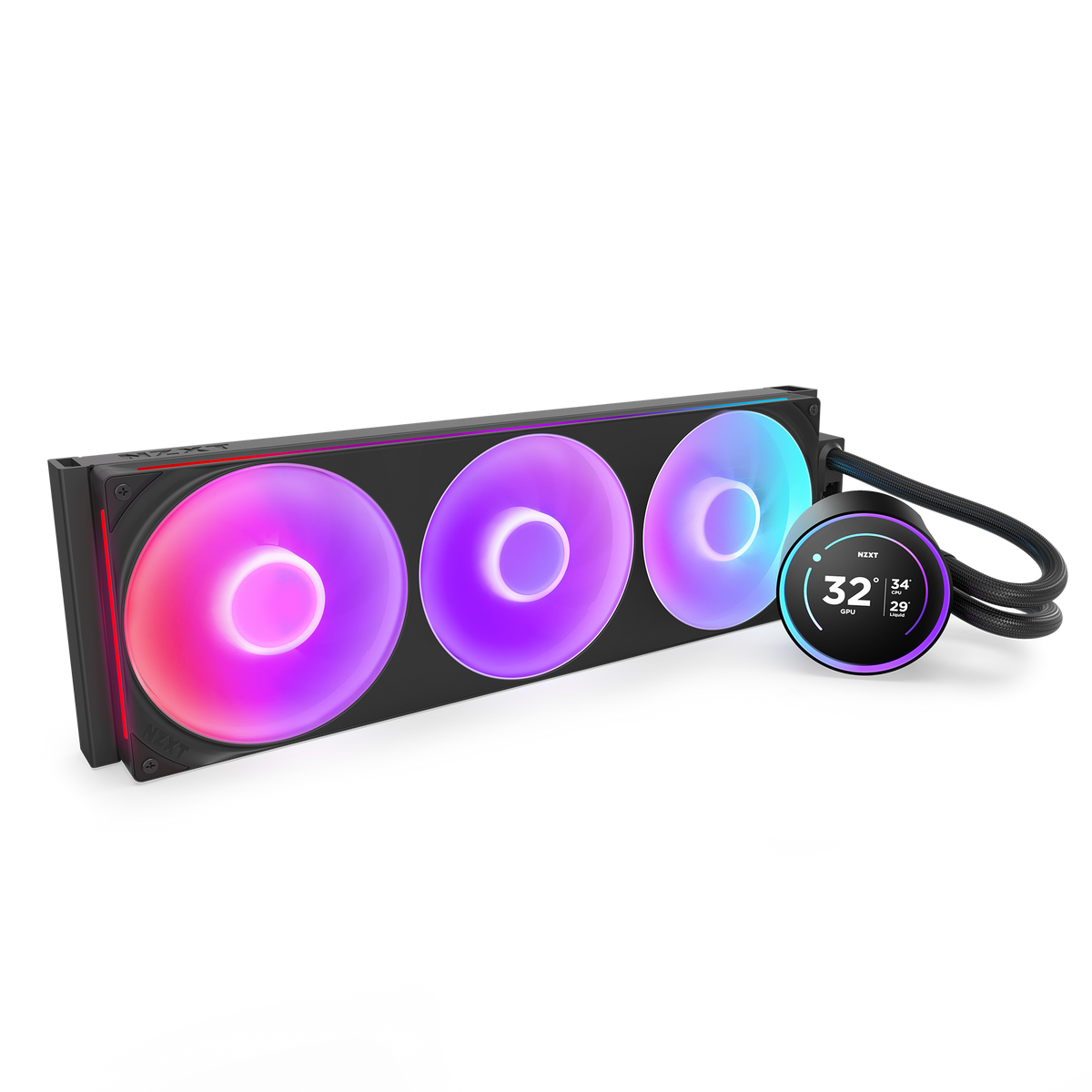
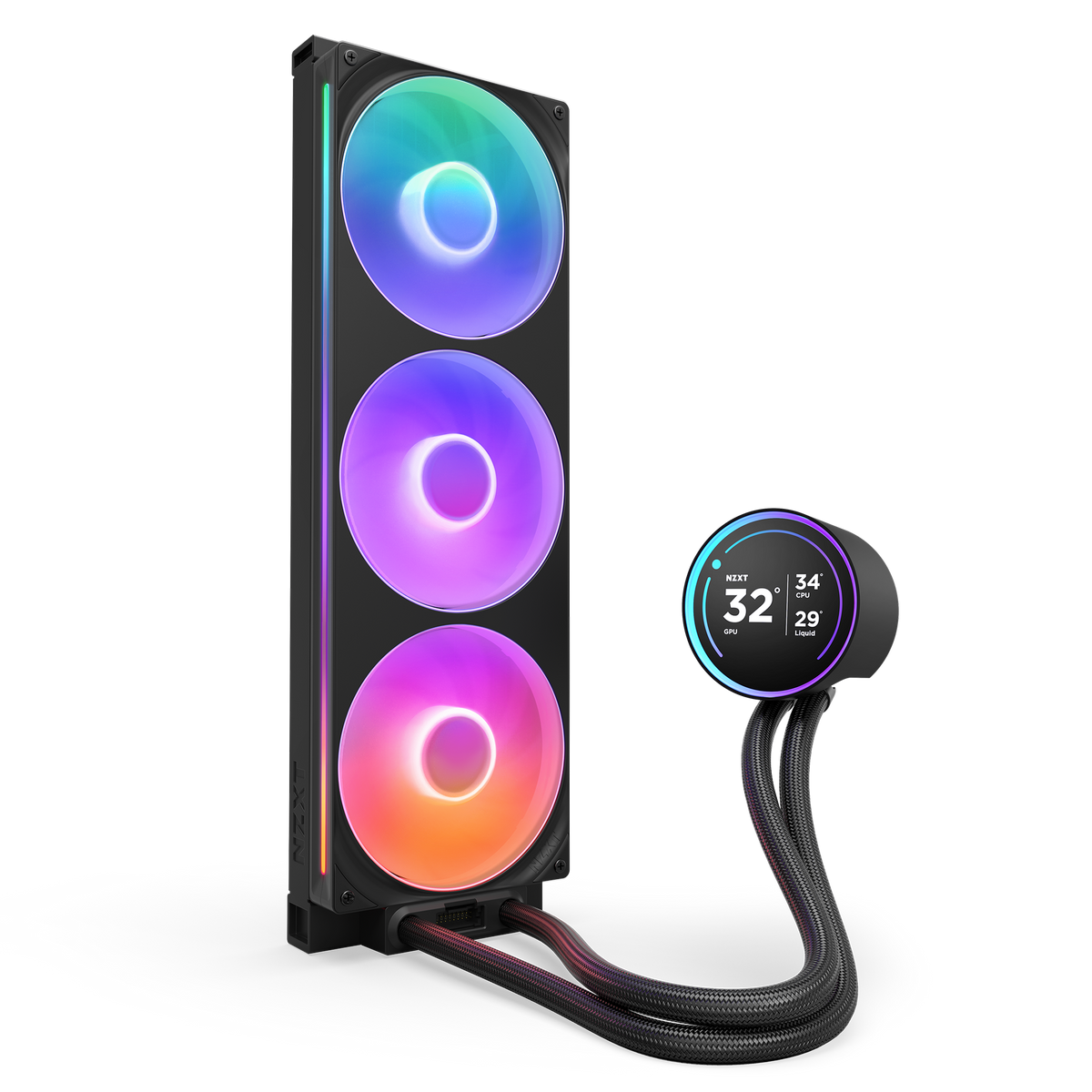
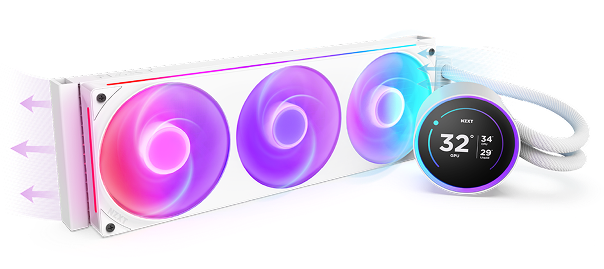
A white liquid CPU cooler with three RGB-lit fans and a circular digital display on the pump, connected by braided white tubing. The display shows CPU and liquid temperatures.

Kraken Elite 420 RGB

El Kraken Elite ofrece una refrigeración de la CPU eficiente y silenciosa gracias a la NZXT Turbine Pump, mientras que la pantalla IPS LCD de 2,72" y el anillo RGB ofrecen más formas de personalizar la pieza central de tu montaje.

A liquid CPU cooler with three RGB fans and a circular digital display showing a temperature of 32°C. The cooler has white tubing and emits colorful lighting effects.

Propulsado por turbina

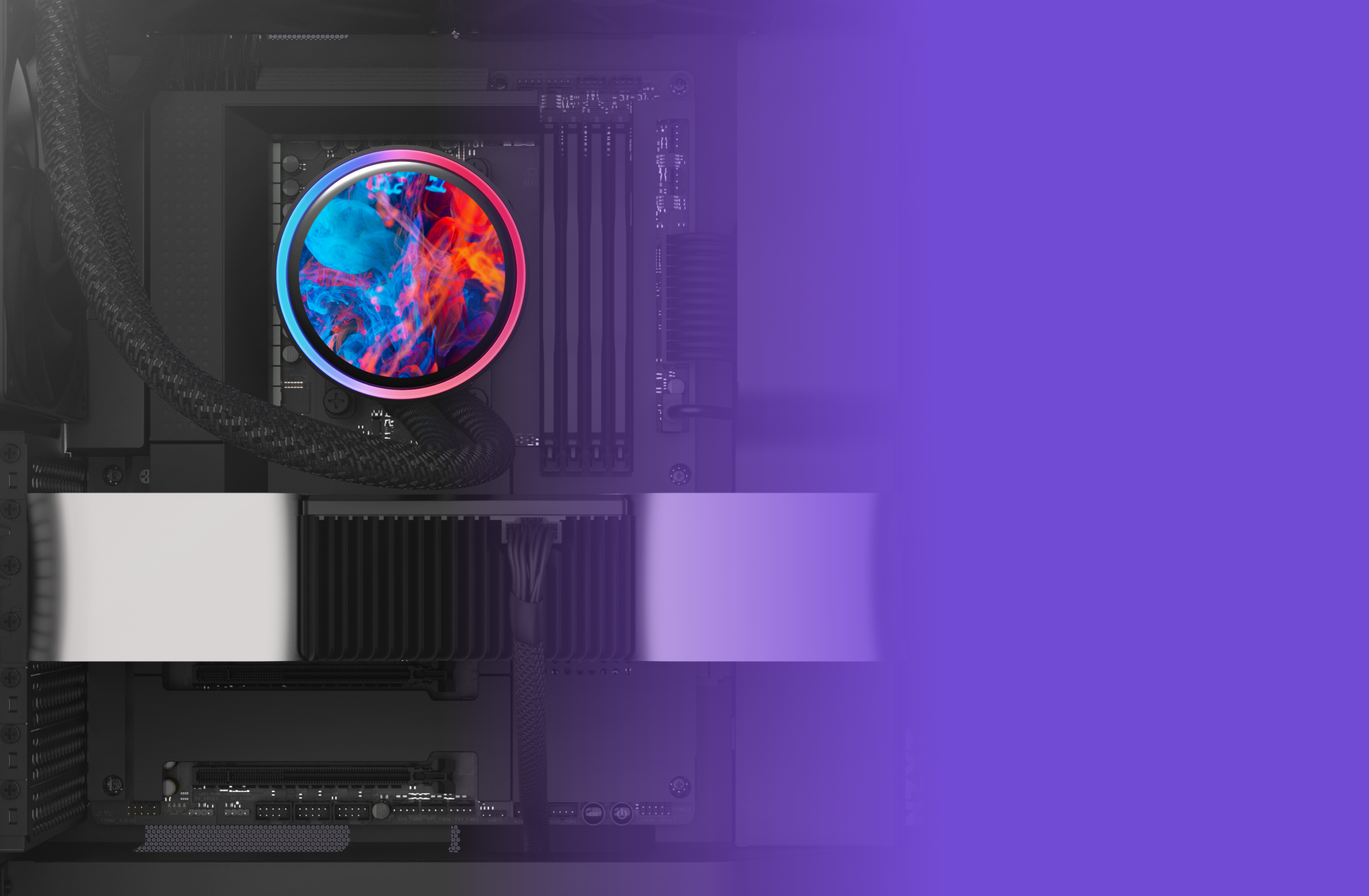
Diseñada a medida para un alto caudal y presión, la bomba NZXT Turbine ofrece una refrigeración de la CPU tan potente como silenciosa.

A computer’s internal components with a colorful, circular CPU cooler glowing in blue and red, set against a black motherboard. The right side of the image fades into a bright purple gradient.

Una pantalla impresionante

Disfruta de imágenes vívidas en la pantalla IPS LCD de 2,72" con resolución de 640 x 640, frecuencia de actualización de 60 Hz y amplios ángulos de visión.

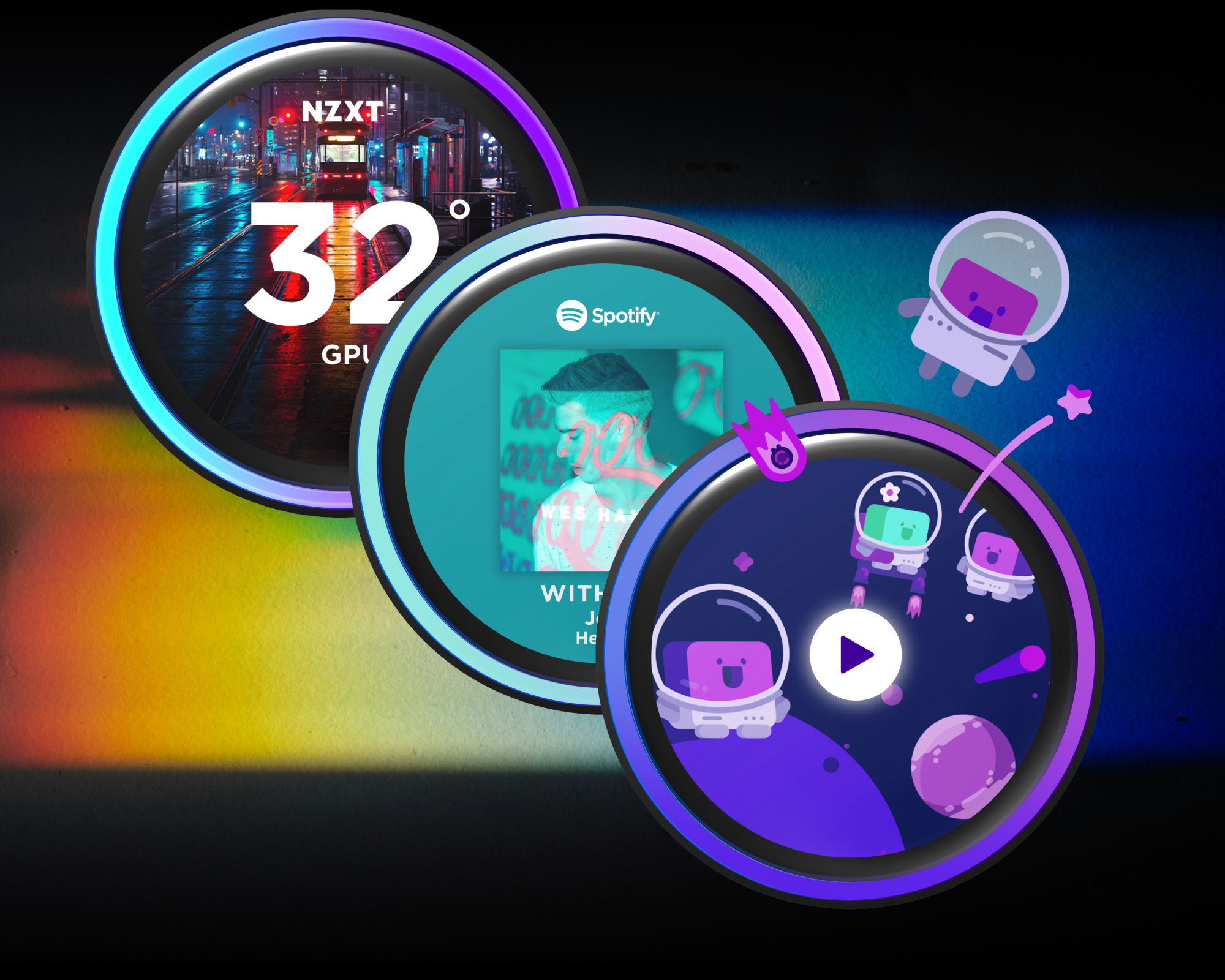
Three colorful digital widgets overlap on a dark, gradient background: a weather display with street photo, a Spotify music player, and a playful cartoon space scene with astronauts and planets.

Posibilidades ilimitadas

Muestra tu GIF o imagen favorita, controla el rendimiento del sistema en tiempo real e intégralo con Spotify y YouTube.

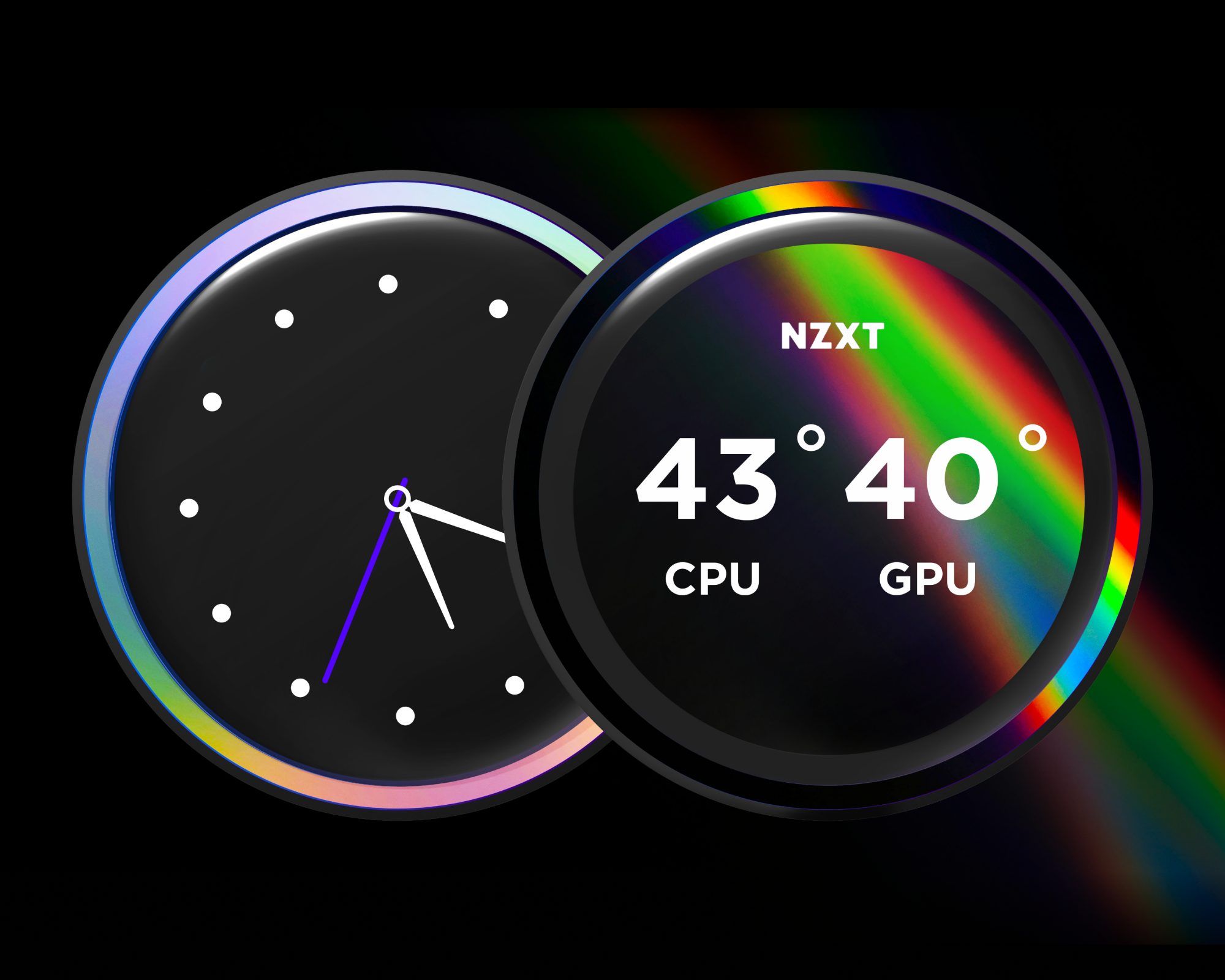
Two circular digital dials: one displays an analog clock showing 4:15, the other shows CPU and GPU temperatures at 43°C and 40°C, with NZXT above, and both outlined by glowing rainbow colors.

Irradia tu estilo

Personaliza el anillo RGB con efectos de iluminación dinámicos o sincronízalo con el contenido en pantalla y otros dispositivos RGB.

A white PC liquid cooling system with two RGB-lit fans and a circular digital display showing a GPU temperature of 32°C. Above, icons indicate low noise level.

Brillantemente simple

El ventilador de marco único RGB Core proporciona un flujo de aire óptimo y una iluminación vibrante con conectividad simplificada.

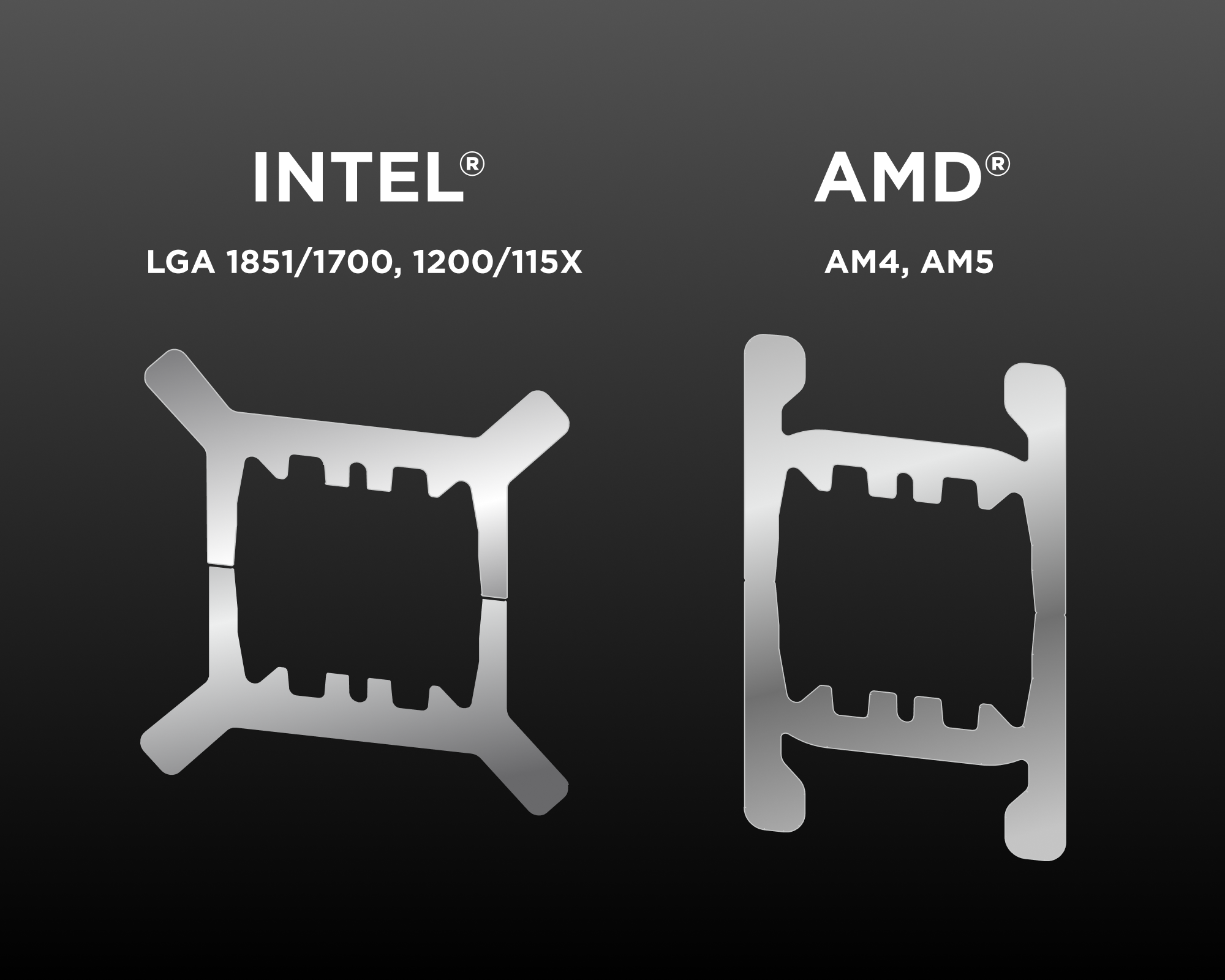
Two metallic CPU retention brackets are shown side by side. The left is labeled INTEL LGA 1851/1700, 1200/115X and the right is labeled AMD AM4, AM5 on a dark gradient background.

Amplia compatibilidad

Incluye el material de montaje sin herramientas para los últimos sockets de CPU Intel® y AMD®.

Intel® LGA 1851/1700, 1200/115X, AMD® AM5, AM4

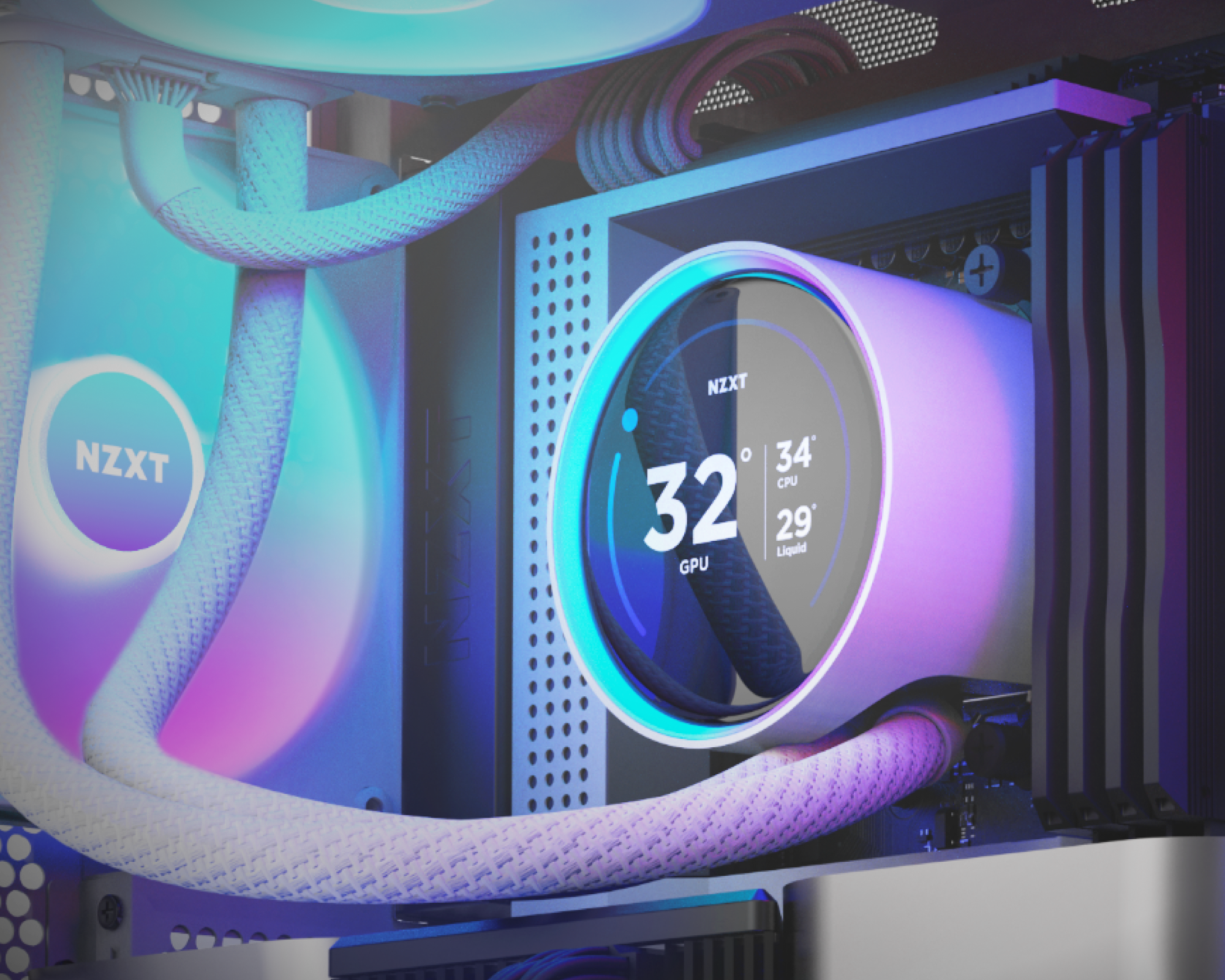
Close-up of a computer’s NZXT liquid cooling system with LED lights. The display shows GPU temperature at 32°C, CPU at 34°C, and liquid at 29°C, surrounded by white braided tubes.

Instalación más rápida

Ponte en marcha en un abrir y cerrar de ojos gracias a la pasta térmica preaplicada y a un único juego de cable breakout.

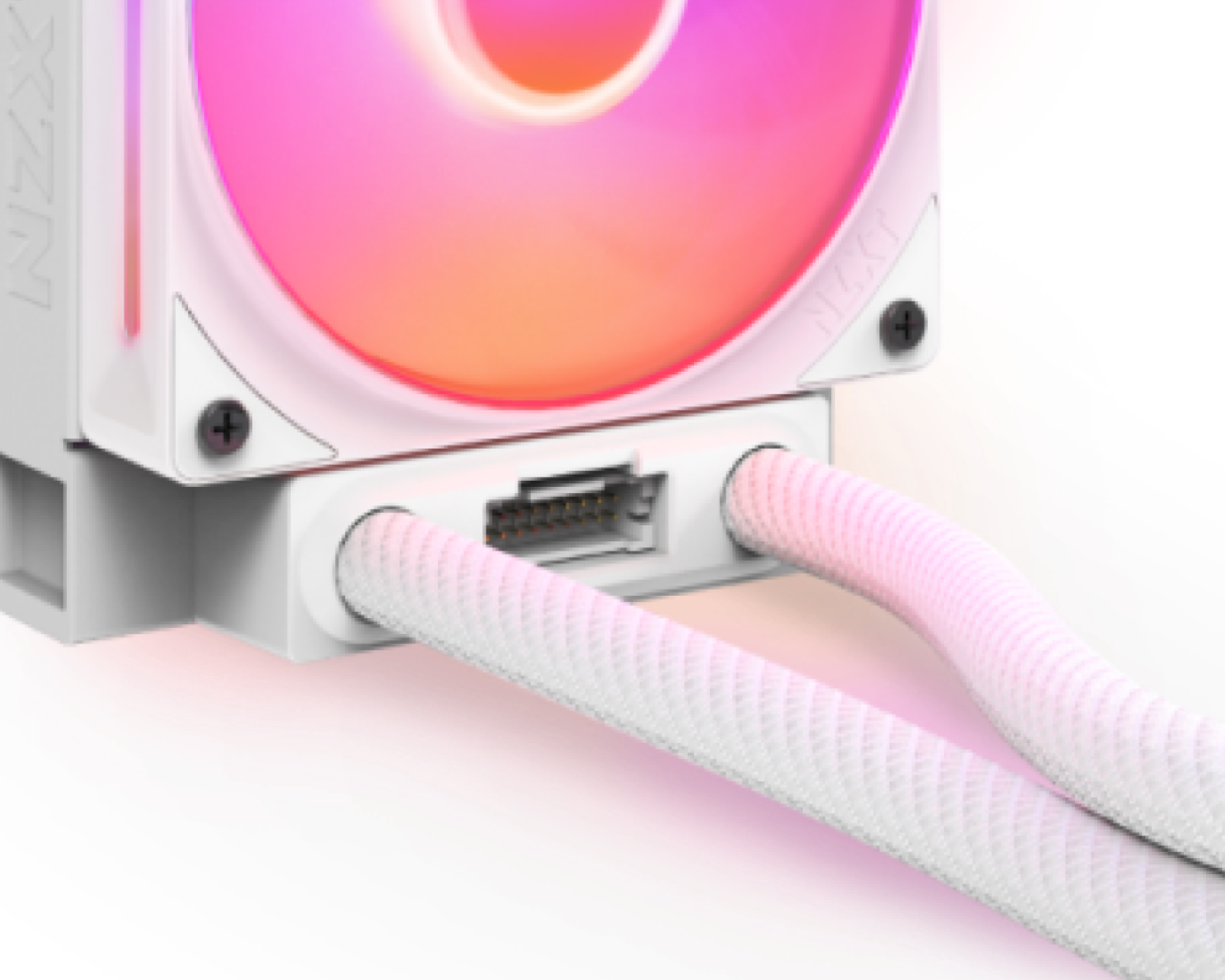
Close-up of a white NZXT computer cooling fan with RGB lighting, showing braided cables connected to the device and a visible connector port beneath the fan.

Flexible y duradero

La tubería de goma extendida con funda trenzada garantiza un manejo sin preocupaciones y una protección duradera contra fugas.

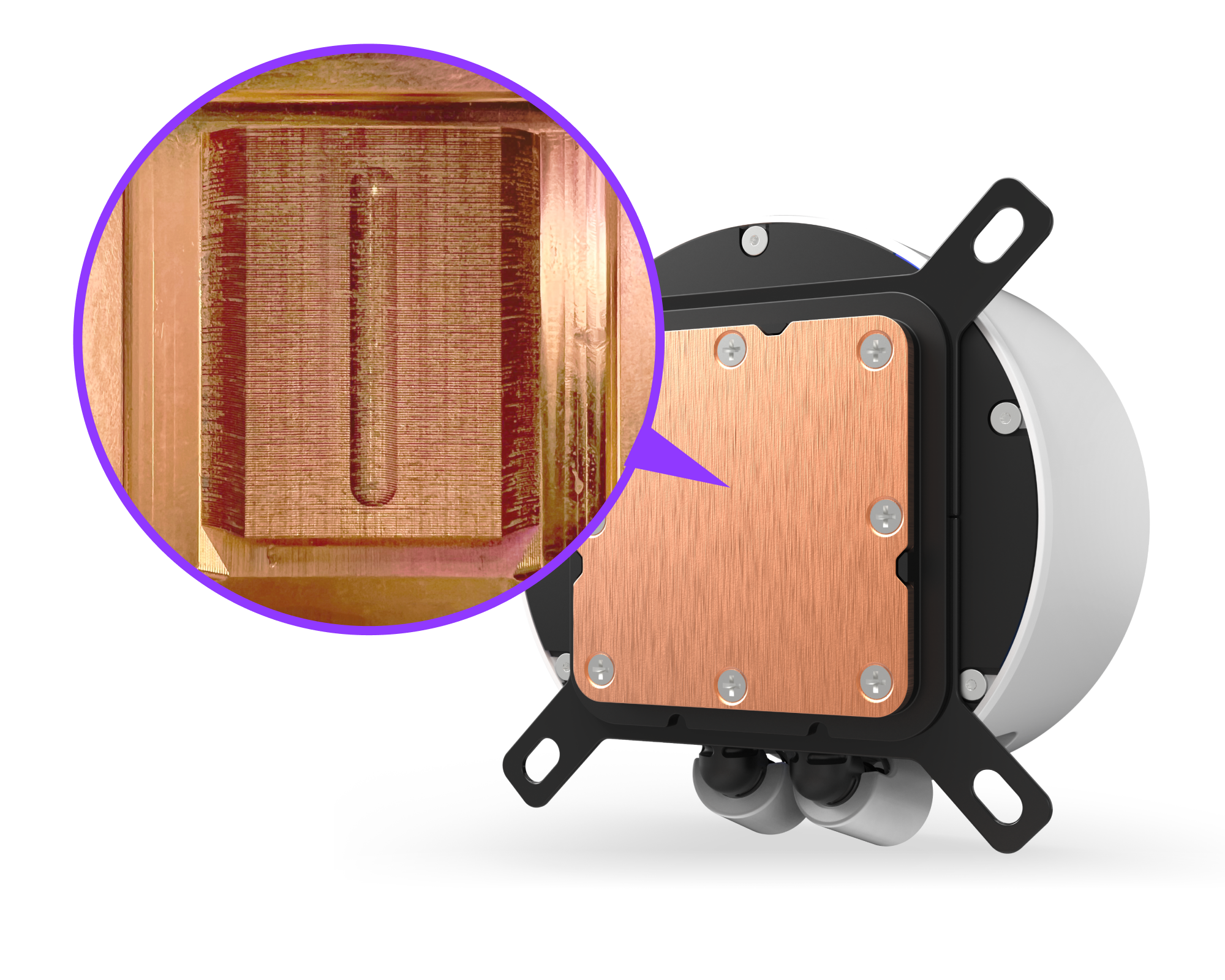
A close-up view of a copper CPU cooler base, with a magnified inset showing detailed grooves or channels in the copper surface.

Placa fría optimizada

La placa fría de flujo dividido permite que el refrigerante circule fácilmente por los canales, garantizando una distribución uniforme sobre la superficie de tu CPU AMD o Intel para una disipación de calor rápida y eficiente.

Especificaciones técnicas
Tipo de panel
IPS
Diámetro
69 mm (2,7 in)
Resolución
640 x 640 px
Frecuencia de actualización
60 Hz
Brillo
690 cd/m²
Colores
16.7 millones
Orientación
Software adjustable
Modelo
NZXT Turbine
Velocidad del motor
1.200 – 2.800 ± 300 RPM
Potencia
12 V DC, 0,3 A
Diámetro de la tapa
93,5 mm (3,7 in)
Altura de la tapa
65 mm (2,6 in)
Material de la tapa
Plástico
Material del anillo
Plástico
Material de la carcasa
Plástico
Material de la placa fría
Cobre
Dimensiones (L x An x Al)
457 x 140 x 27 mm (18 x 5,5 x 1,1 in)
Materiales
Aluminio
Longitud
460 mm (18,1 in)
Materiales
CIIR goma con PET braided sleeve
Socket Intel
LGA 1851, 1700, 1200/115X
Intel CPU
Core i9 / Core i7 / Core i5 / Core i3 / Pentium / Celeron
Socket AMD
AM5, AM4
AMD CPU
Ryzen 9 / Ryzen 7 / Ryzen 5 / Ryzen 3
Modelo
F420 RGB Core Ventilador
Configuración
Single-frame array (3 ventiladores in one frame)
Cantidad
1
Dimensiones
420 x 140 x 26 mm
Velocidad
500 – 2.000 ± 200 RPM
Flujo de aire
98,61 CFM
Presión estática
3,2 mmH₂O
Nivel de ruido
34,5 dBA
Rodamiento
rodamiento de fluido dinámico
Vida útil
60.000 horas
Conector de ventilador
8-pin para PWM & RGB
Consumo
12 V DC, 0,95 A, 11,4 W / 5 V DC, 0,81 A, 4,05 W
Número de LED
8 LEDs
Longitud del cable
600 mm
Materiales
Plástico, goma, PCB
Garantía
6 años
Número de modelo
RL-KR42E-W2 (Blanco) / RL-KR42E-B2 (Negro)
UPC
810074844307 (Blanco) / 810074844291 (Negro)
EAN
5056547204215 (Blanco) / 5056547204208 (Negro)
3.4
Rated 3.4 out of 5 stars
Based on 5 reviews
60%would recommend this product
Total 5 star reviews: 2 Total 4 star reviews: 1 Total 3 star reviews: 0 Total 2 star reviews: 1 Total 1 star reviews: 1
5 reviews
  • JK
    James K.
    Verified Reviewer
    I do not recommend this product
    Product Standouts Design
    Rated 1 out of 5 stars
    3 months ago
    Startup Issues, Stuck Loop, Not Worth $10

    I purchased the 420mm Kraken Elite less than 5 months ago and it has been nothing but a pain in the neck. First, my CPU was constantly spiking to 100 degrees and my computer would shut off on load, sometimes taking 10-15 times to get it to start. After a bunch of research I found out that NZXT AIOs are notoriously bad about getting "stuck" on startup. I turned off fast startup and it has fixed the issue about 50% of the time, but it's still not great and I needed to turn the fans on 100% to stop almost all (but not all) of the rest of the issues (a lot of angry NZXT buyers have said the same thing was needed). Second, upgrading the CAM software sent my computer into a catastrophic failure, not one, but two times (thankful for weekly backups and storing important files in the cloud). Overall, a very nice looking product that is far inferior to Corsair and other brands.ddd

    N Profile picture for NZXT
    NZXT
    2 months ago

    Hi James,

    Thank you for taking the time to share your experience, and we're truly sorry it's been such a frustrating one. The startup loop issues and the CAM update causing system instability are not the experience we want anyone to have, especially with a premium product like the Kraken 420 Elite.

    We can see our support team is already working with you on a refund, and we want to make sure that process goes as smoothly as possible for you. Please don't hesitate to follow up on your existing ticket if you have any questions or need an update. We're committed to getting this resolved for you.

    We appreciate the honest feedback on the startup behavior and CAM software; these are areas we take seriously, and your input genuinely helps us improve. We're sorry we fell short this time.

    Best regards,
    NZXT Support Team

  • Z
    Zehir
    I recommend this product
    Product Standouts Design, Performance, Ease of use, Great Quality
    Rated 5 out of 5 stars
    4 months ago
    My first AIO

    This is my first-ever water-cooling setup, and I honestly couldn’t be happier with the result. I switched from a large, noisy tower air cooler, and the difference is night and day — both in both temperatures and noise levels.

    The system is built around an Intel Core Ultra 7 265KF, and the AIO is mounted at the top with the radiator exhausting air out of the case. This setup provides excellent airflow while keeping air bubbles away from the pump. Installation was straightforward, the tubing sits naturally without any tension, and the overall build feels clean and solid.

    What really impressed me was the thermal performance: even under load, the CPU stays around 39°C, something I never achieved with air cooling. On top of that, the system is now significantly quieter — no more loud fan ramp-ups during gaming or heavy workloads.

    For a first water-cooling build, this setup exceeded all my expectations. It runs cool, stays quiet, looks great, and feels like a massive upgrade over my previous air cooler. After this experience, it’s hard to imagine going back to air cooling.

  • S
    S.Z.
    Verified Buyer
    I do not recommend this product
    Rated 2 out of 5 stars
    10 months ago
    Pump Failure After Just Two Months of Use

    I purchased the Kraken Elite RGB 420 directly from NZXT’s official store, expecting a premium product backed by a 6-year warranty. Unfortunately, my experience has been deeply disappointing.

    At first, the cooler seemed to work, though I noticed from the very beginning that at pump speeds below ~70%, there were audible bubbling noises. To avoid this, I set the pump curve to run at 80–100%. I didn’t think much of it at the time, but in hindsight, it was an early sign of trouble.

    After only two months of use, the pump completely failed. During one normal operation, the system fans suddenly ramped up and the CPU temperature spiked to 106C, forcing an emergency shutdown. Since then, the system either shut down within seconds of booting or showed a CPU error. When I managed to open NZXT CAM, it clearly reported the pump at 0 RPM, while CPU temperature climbed rapidly to 97C. The LCD screen and fans still worked, but the pump no longer circulated coolant at all.

    I confirmed the issue wasn’t installation, thermal paste, or cabling — the LCD and fans, both powered by the same SATA line, were functioning fine. The failure is isolated to the pump itself. For a product marketed as a high-end, long-lasting AIO with a 6-year warranty, a total pump failure in just two months is unacceptable.

    I’ve since removed the unit and will be submitting an RMA request, but this experience has shaken my confidence in NZXT’s quality control. Buyers should be aware that, while the Kraken Elite looks…

    N Profile picture for NZXT
    NZXT
    10 months ago

    Hi S.Z.,

    I am very sorry to hear about the pump failure you experienced with your Kraken Elite 420 RGB after just two months of use. I can see that you've thoroughly diagnosed the issue and confirmed it's isolated to the pump itself, which shows this was clearly a product failure rather than any installation issue on your part. We will make sure to follow up through your ticket and get his replaced as soon as possible.

    We value you as a customer and will make this right. Your detailed feedback about this failure is also important for us to continue improving our quality control processes.

    Thank you for taking the time to share your experience and for your patience during this disappointing situation.

  • N
    Nick
    I recommend this product
    Rated 4 out of 5 stars
    11 months ago
    How does this even happen?

    I had the 360mm version of this but got the new h9 flow case so got the 420mm kraken but this one has issues.

    I don’t know how this is even possible but the entire thing is crooked. The fan and AIO holes don’t align. They aren’t even close to aligning. Amazon ended up refunding $70 out of the total and I kept it. Really unacceptable for a $330 piece of plastic. This is not user error, I’ve built probably 6 computers by now and always rotate out parts.

    The AIO is great though. Keeps everything cool and looks good.

  • CS
    craig s.
    Verified Buyer
    I recommend this product
    Product Standouts Great Quality, Performance, Ease of use
    Rated 5 out of 5 stars
    1 year ago
    Cool and beautiful

    Amazing product, easy to install both the hardware and software. Keeps Temps way down